
AGNI VDROP
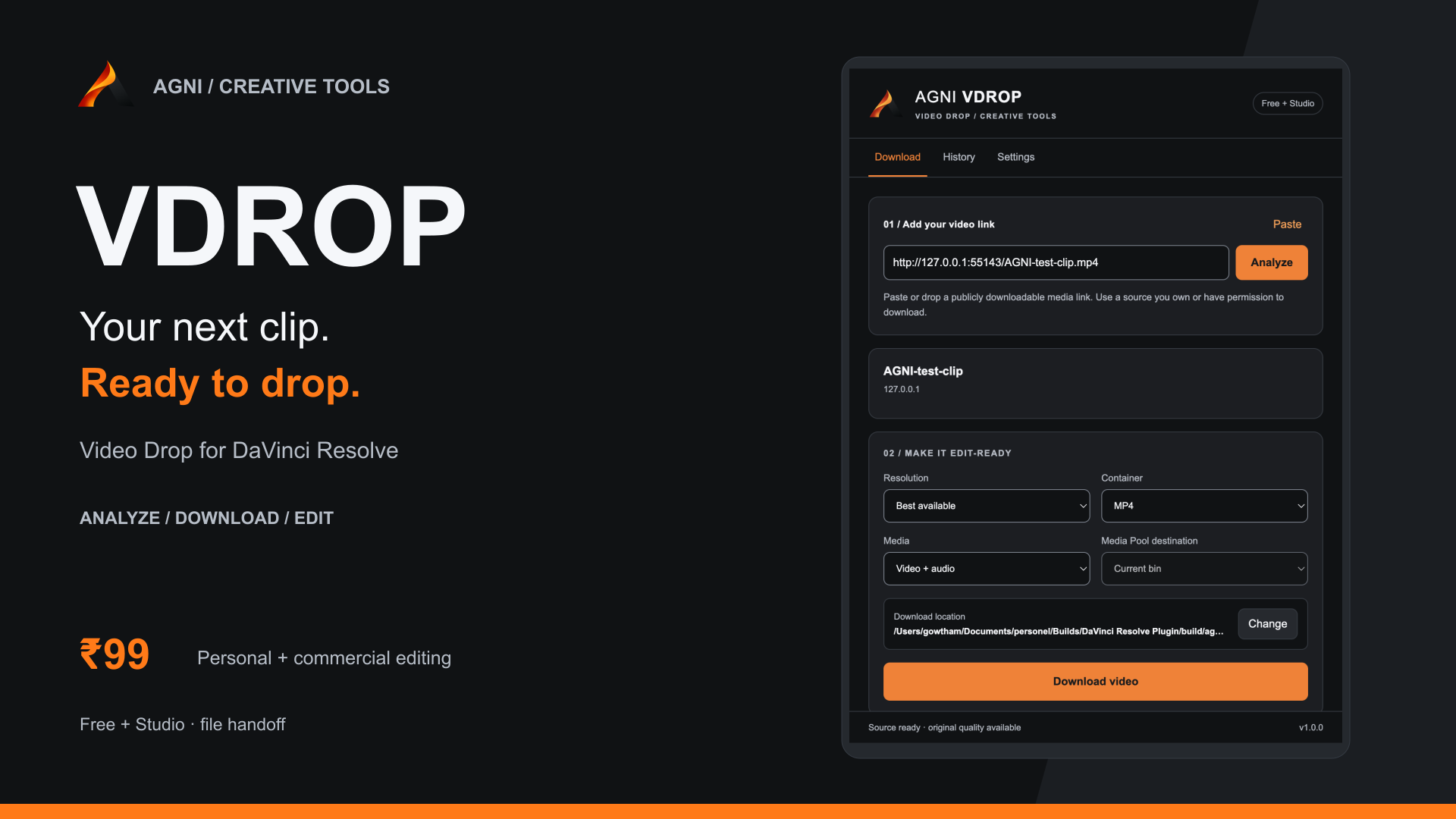
AGNI VDROP helps Resolve editors download authorized web videos, prepare compatible files, and bring them into Free or Studio with one familiar interface.
Price
Digital product. Payment is arranged after we confirm your request; no charge is taken here.
Need install help? Download the install guide
Watch the demo
What it does
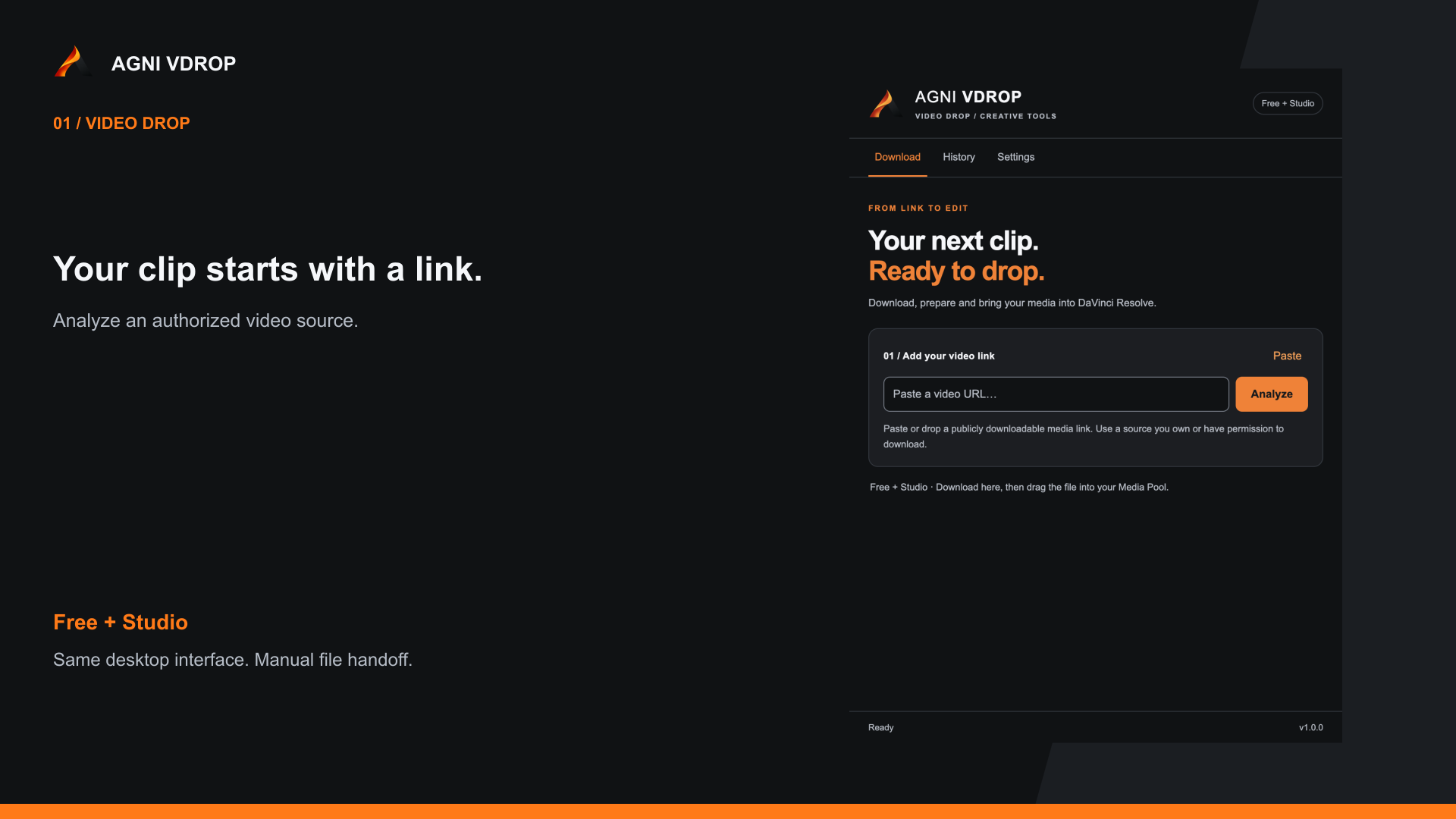
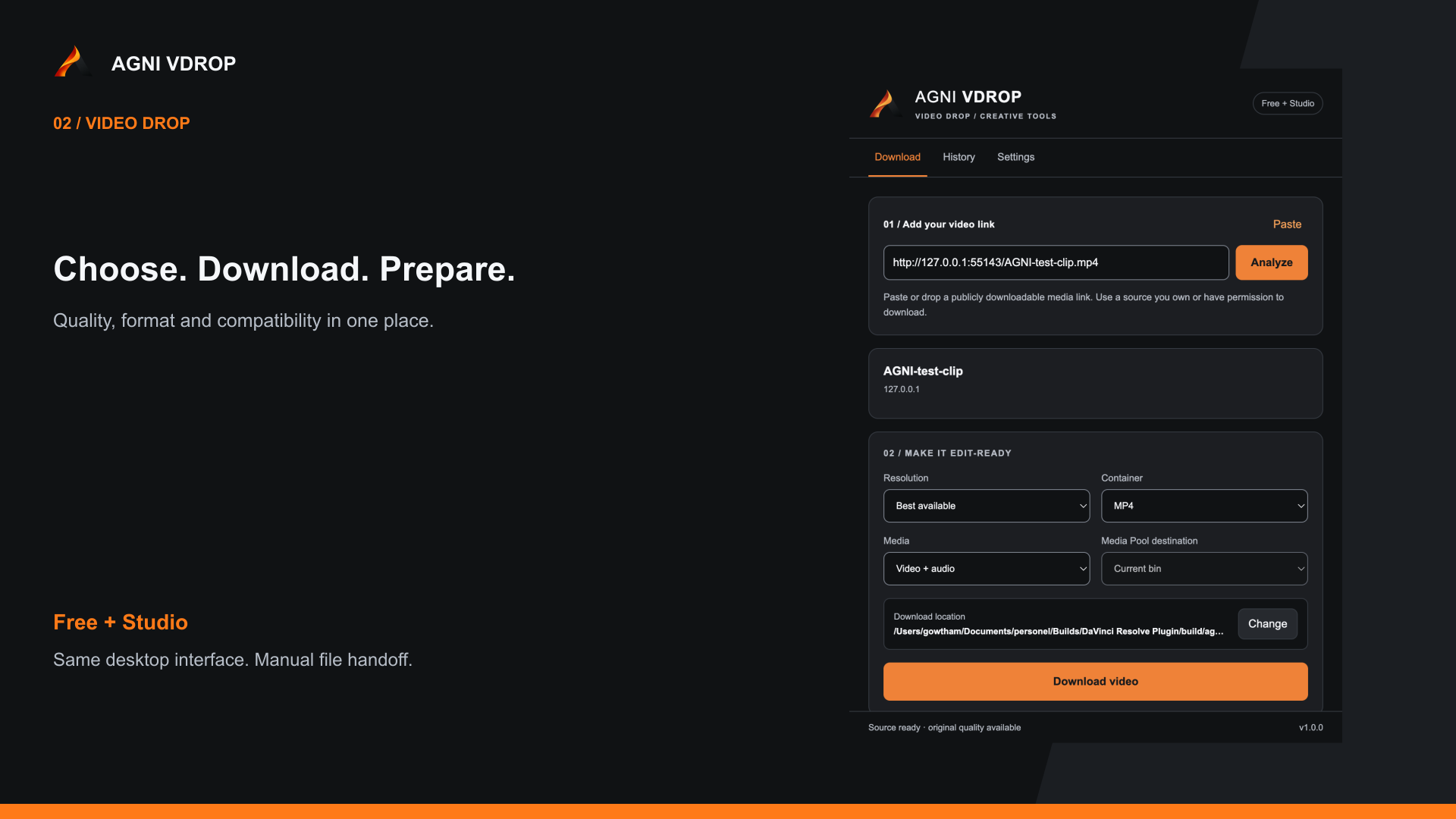
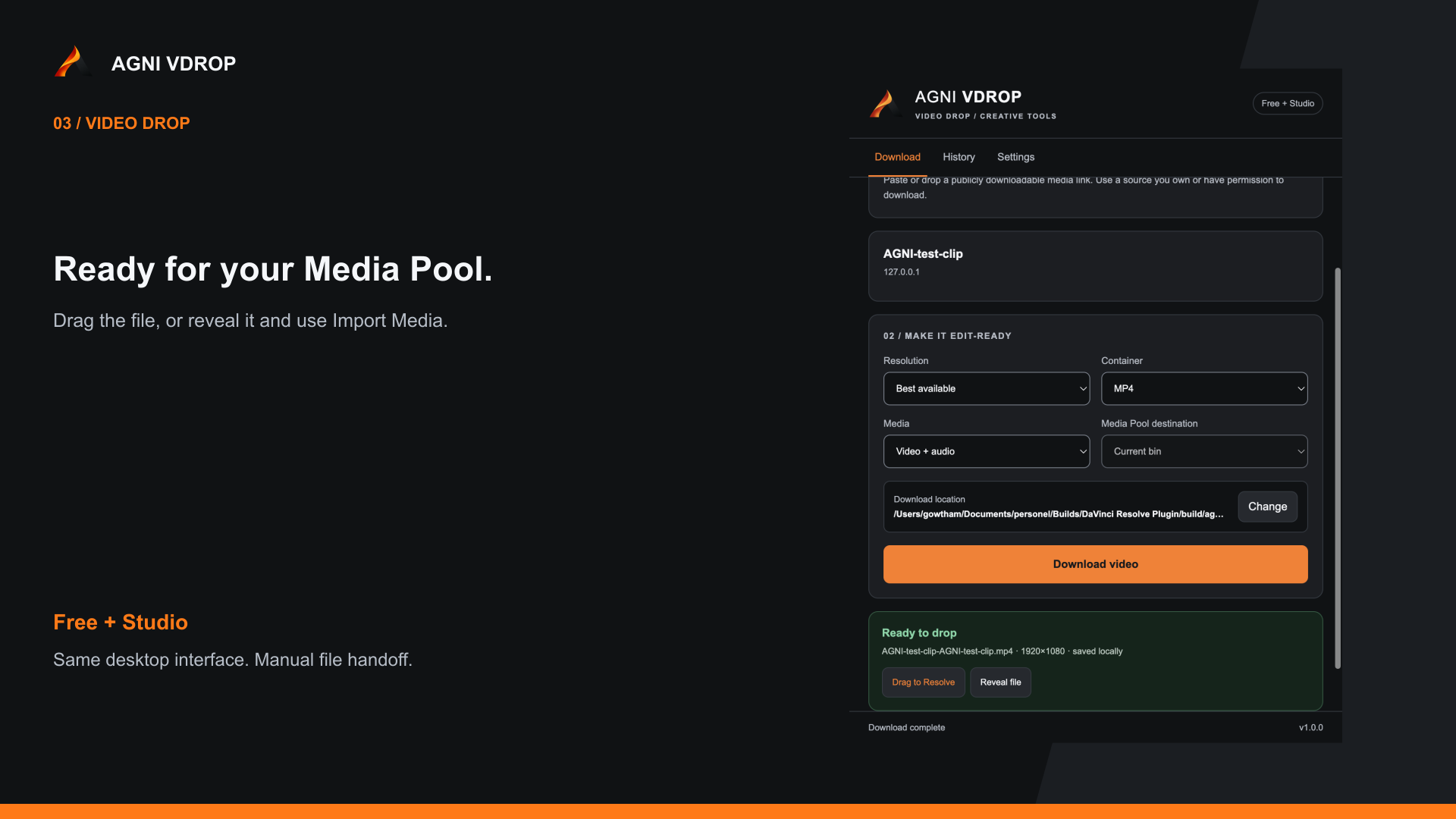
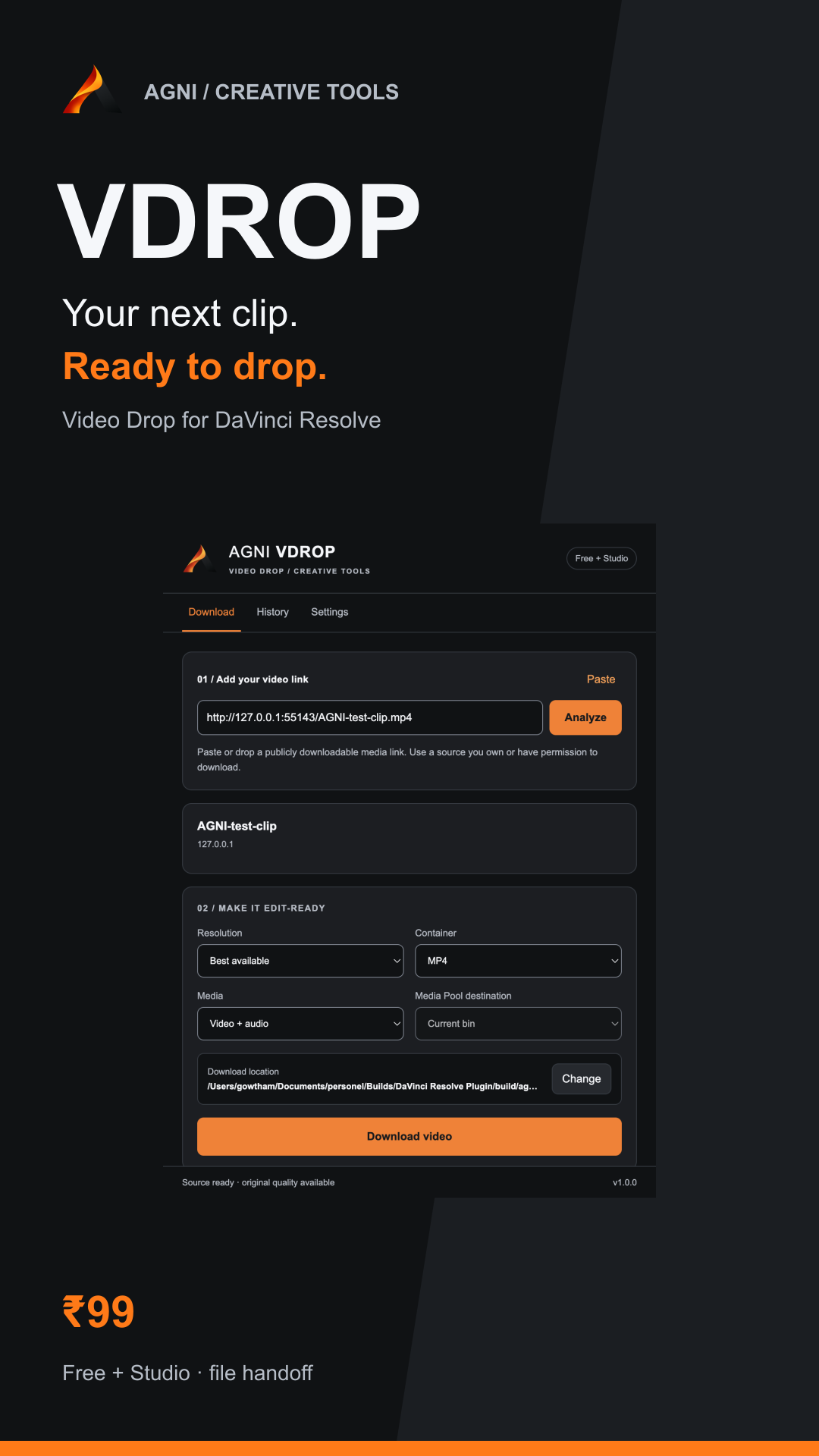
Bringing an online reference or a licensed clip into an edit often means switching tools. AGNI VDROP (Video Drop) brings download and preparation into one desktop app. Paste a public media link, inspect qualities, choose video or audio, and save. Optional compatibility conversion prepares H.264/AAC MP4. Local history keeps completed downloads close. The same AGNI interface is used for Resolve Free and Studio. Drag the file into the Media Pool, or use Reveal file and Import Media. Studio 20.1+ can also open the integration panel for automatic import. Download only content you own or are authorized to use. Independently developed, not endorsed by Blackmagic Design.
One familiar interface
The same desktop UI for Resolve Free and Studio.
Choose your media
Resolution, video or audio mode, and output container.
Prepare for Resolve
Optional conversion to H.264/AAC MP4.
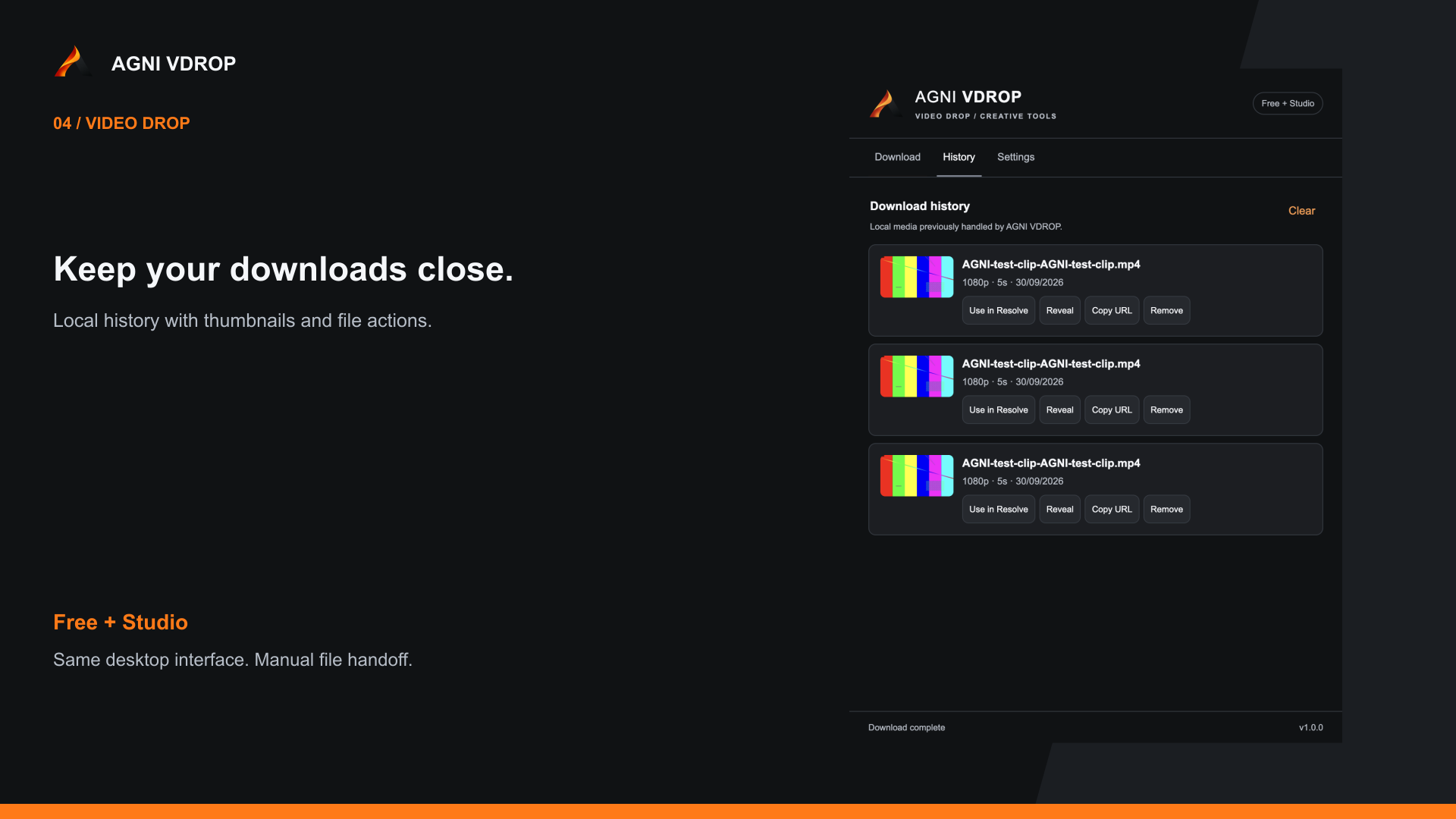
Keep downloads close
Local history, thumbnails, and Reveal file.
Follow the job
Progress, speed, ETA, and cancellation.
Optional Studio import
Current or named Media Pool bin from the Studio panel. Optional, and not a proven one-click import.
Compatibility
Resolve
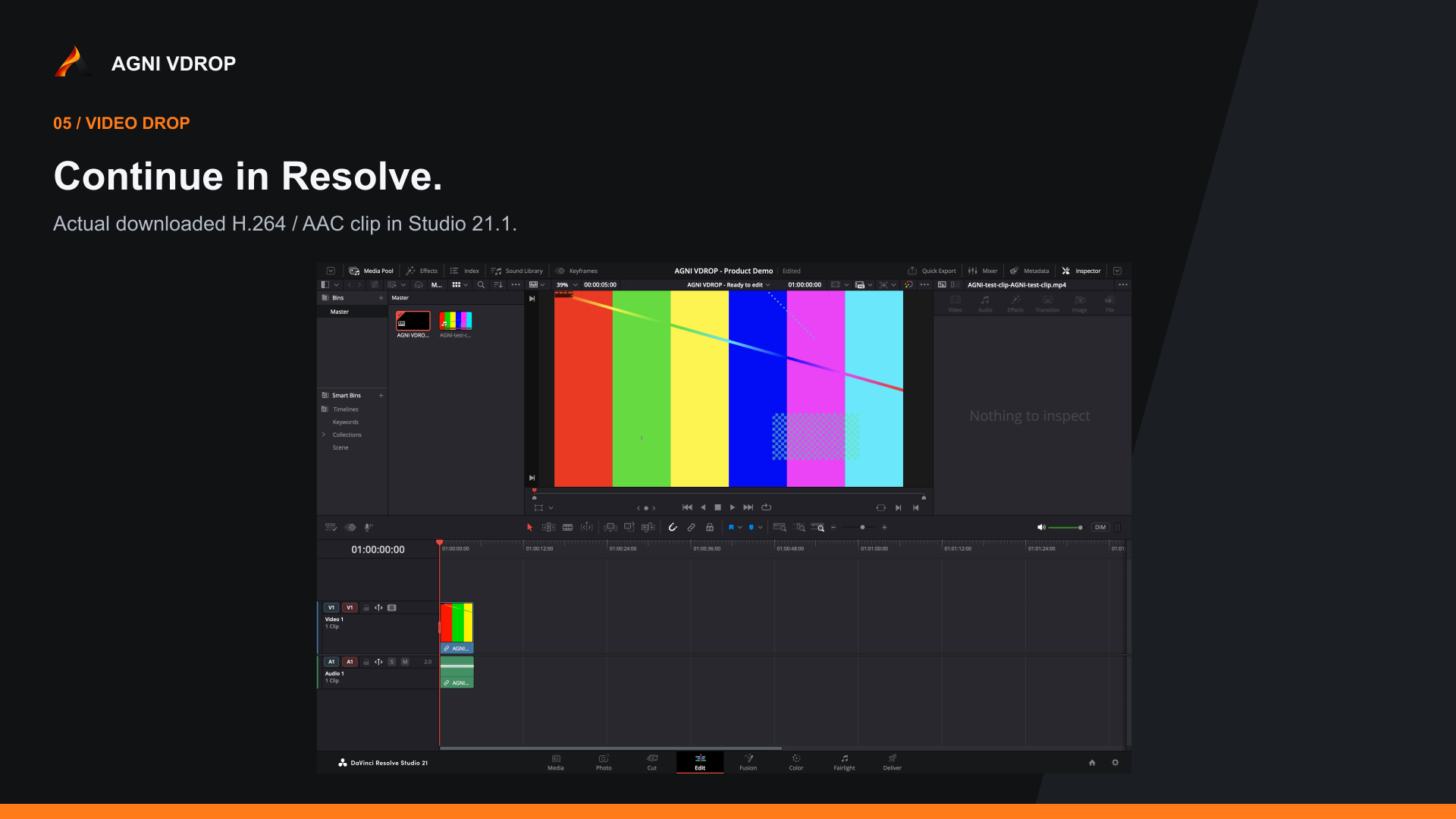
DaVinci Resolve 18+ file handoff
Platforms
macOS, Windows
Edition
Free / Studio
License
Commercial
- File handoff targets Resolve 18+ on macOS 12+ and Windows 10/11 x64. The same standalone app is used for Free and Studio. Free imports through the Media Pool. The automatic panel is not in Free.
- Tested here: the Apple Silicon app, and a downloaded H.264/AAC MP4 imported into Resolve Studio 21.1. Direct Free-edition testing is still pending.
- Intel Mac and Windows installers are included. On-device install testing for those installers is still pending. Linux and Windows ARM are not included.
- Optional automatic import targets Resolve Studio 20.1+. The native panel path is not fully validated yet, so it is optional — not a proven one-click import.
- No extra plugins. The runtime, yt-dlp, FFmpeg, FFprobe, and Deno are bundled. Installers are unsigned.
- Download only content you own or are authorized to use. Independently developed, not endorsed by Blackmagic Design.
What you get
- macOS Apple Silicon installer
- macOS Intel installer
- Windows x64 installer
- Install guide
- Changelog
- Personal and commercial editing use
- Free 1.x updates when released
Changelog · v1.0.0
- • Initial 1.0.0 release of AGNI VDROP (Video Drop).
- • Same desktop interface for Resolve Free and Studio, with Media Pool file handoff.
- • Resolution, video or audio, and output container choices.
- • Optional compatibility conversion to H.264/AAC MP4.
- • Local history, thumbnails, Reveal file, progress, speed, ETA, and cancellation.
- • Optional Studio panel for import into the current or a named Media Pool bin (Studio 20.1+). Not fully validated as a one-click import.
Purchase
Available products can be paid for securely through Razorpay. Downloads unlock after payment is confirmed.
Price
Digital product. Payment is arranged after we confirm your request; no charge is taken here.