
Put text behind your subject
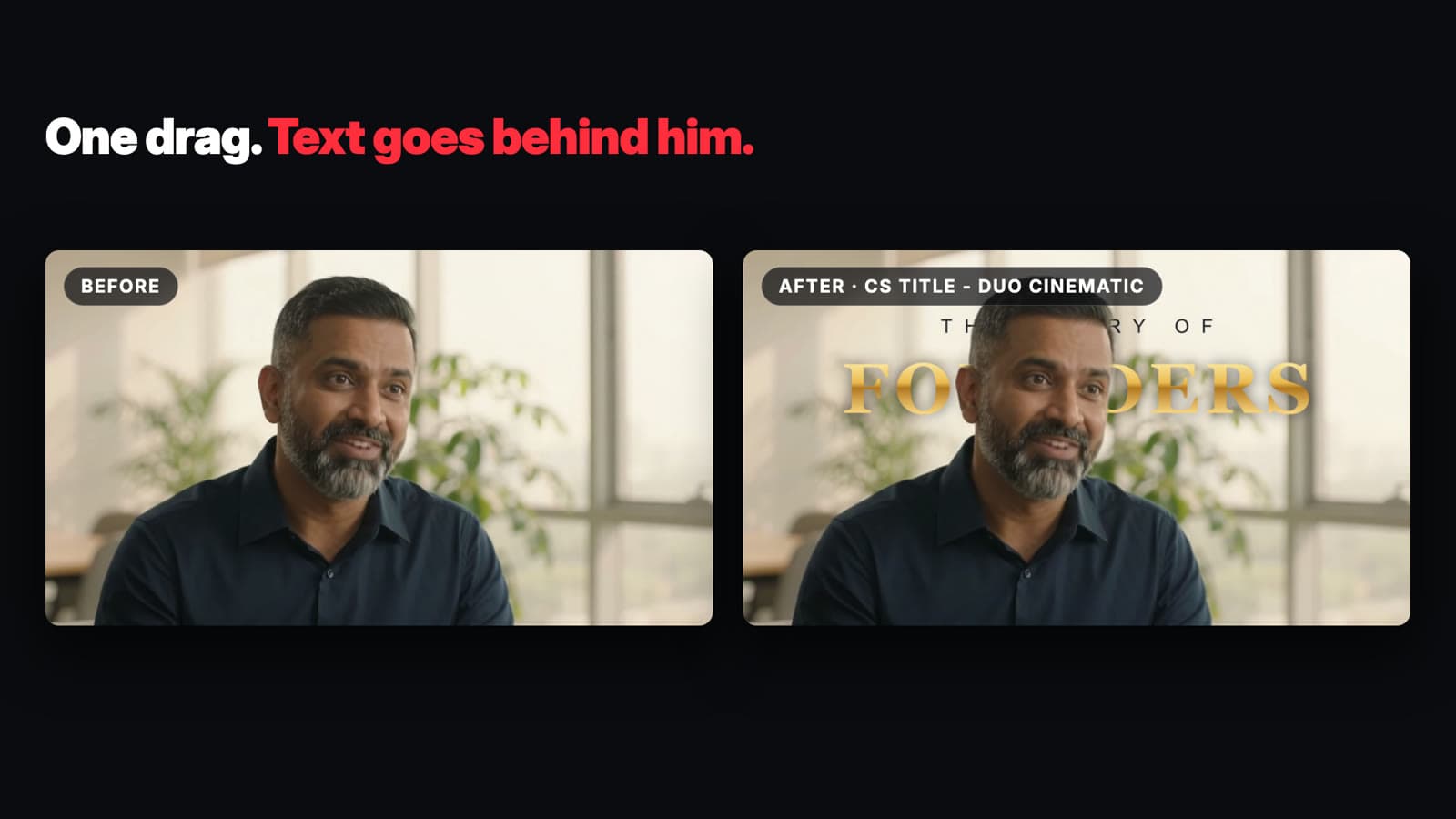
Drop an effect onto a clip and let Resolve’s Depth Map find the subject. Refine the edges in the Inspector.
AGNI Cutout Studio
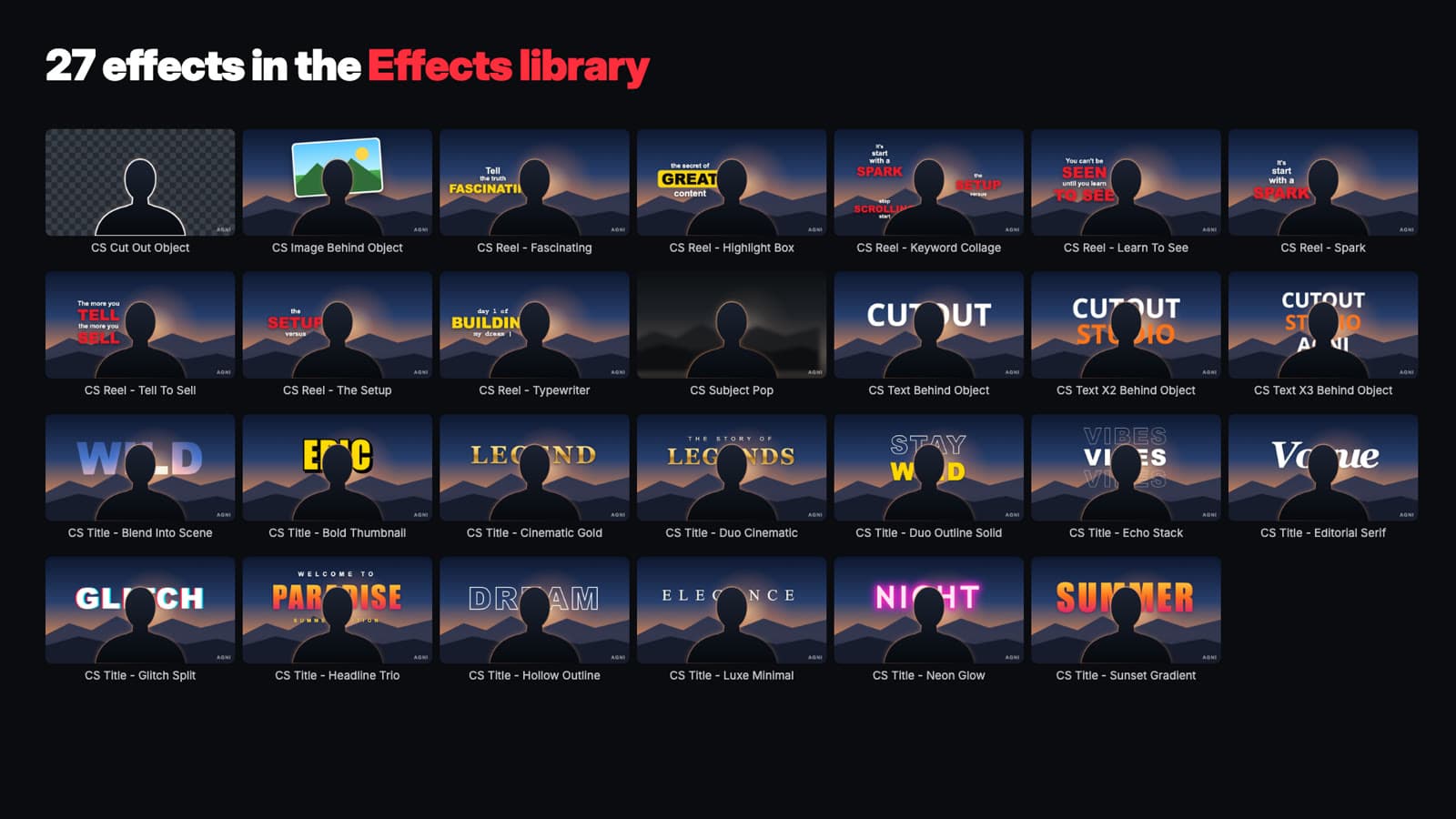
Put text and images behind your subject with 27 DaVinci Resolve Studio effects, including word-by-word animated titles for Reels, Shorts and widescreen videos.
Launch offer
Requires DaVinci Resolve Studio 20 or 21. Download the install guide
Drag an effect onto a clip on the Edit page. Resolve’s Depth Map isolates the subject so you can animate text behind them, place a logo in the scene or change the background. Adjust text, color, placement and timing in the Inspector.
Drop an effect onto a clip and let Resolve’s Depth Map find the subject. Refine the edges in the Inspector.
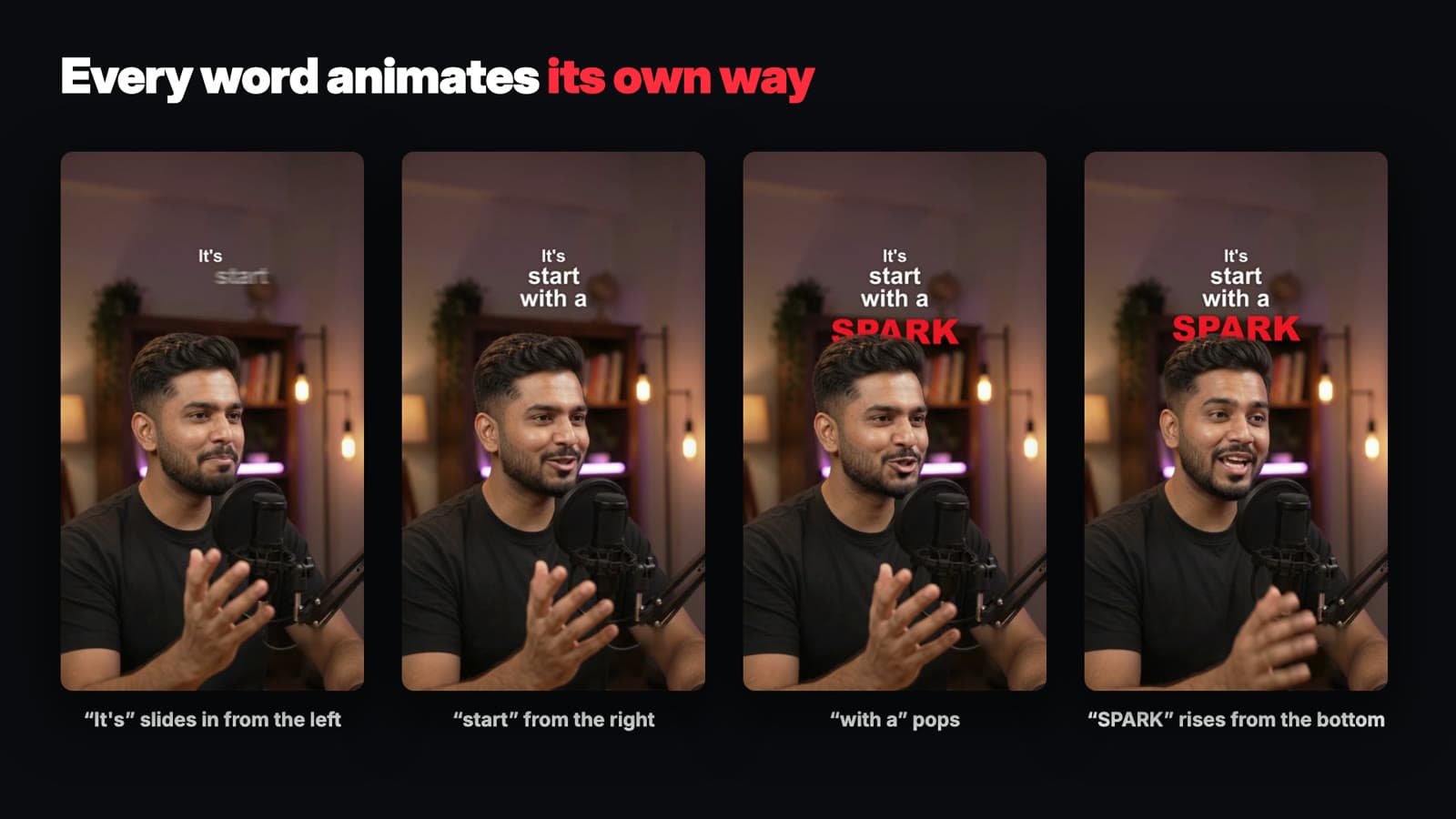
Eight Reel effects let each word move independently, with controls for the timing and spacing between words.
Choose from 13 styled titles and three classic text-behind-subject effects. Change the fonts, colors and animations in the Inspector.
Use Text Animation Only to adjust timing and placement before rendering the full cutout.
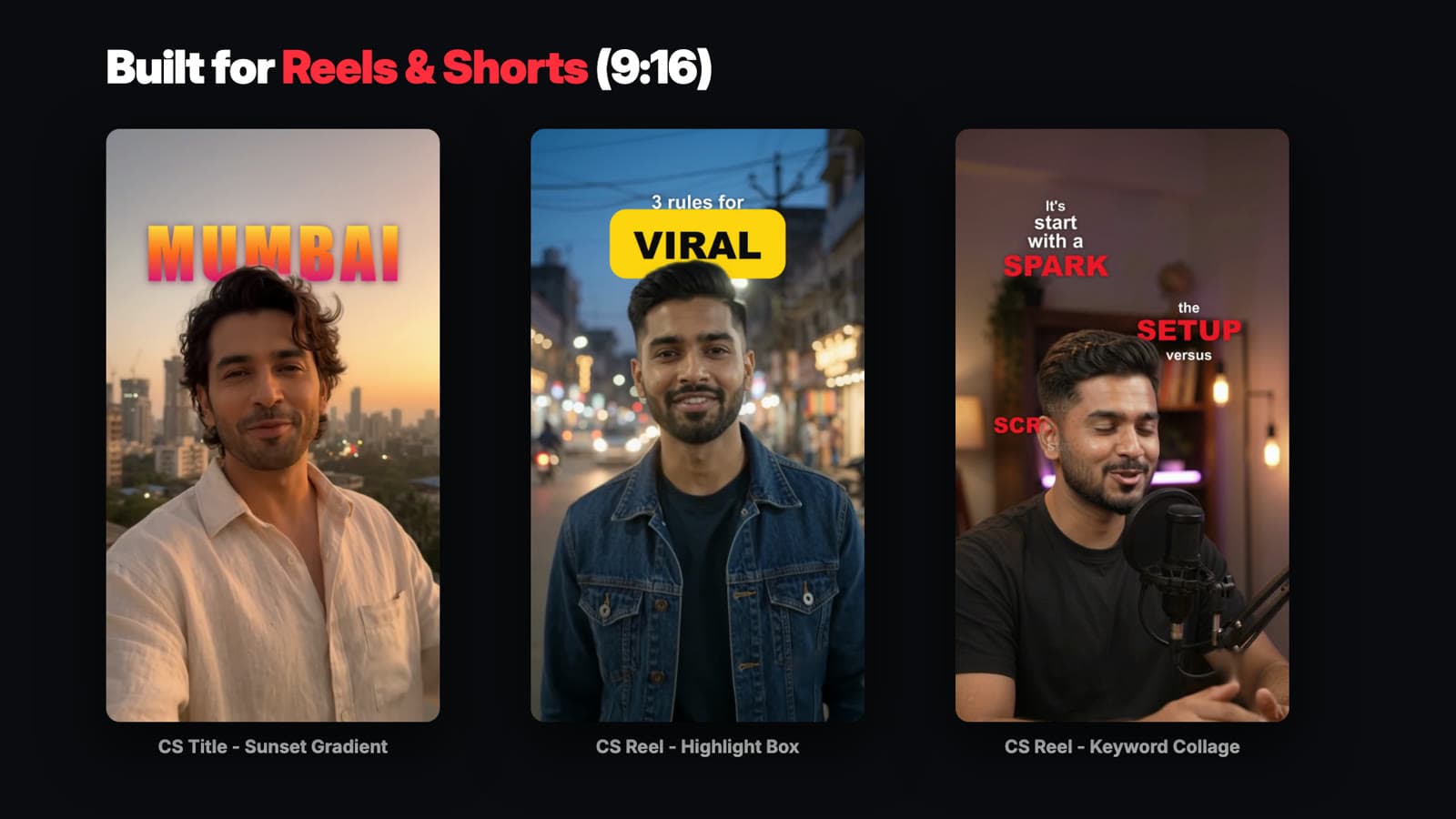
Use the same effects in vertical Reels and horizontal podcasts or YouTube videos.
Place a logo, photo or video behind a person, isolate the subject or soften the background.

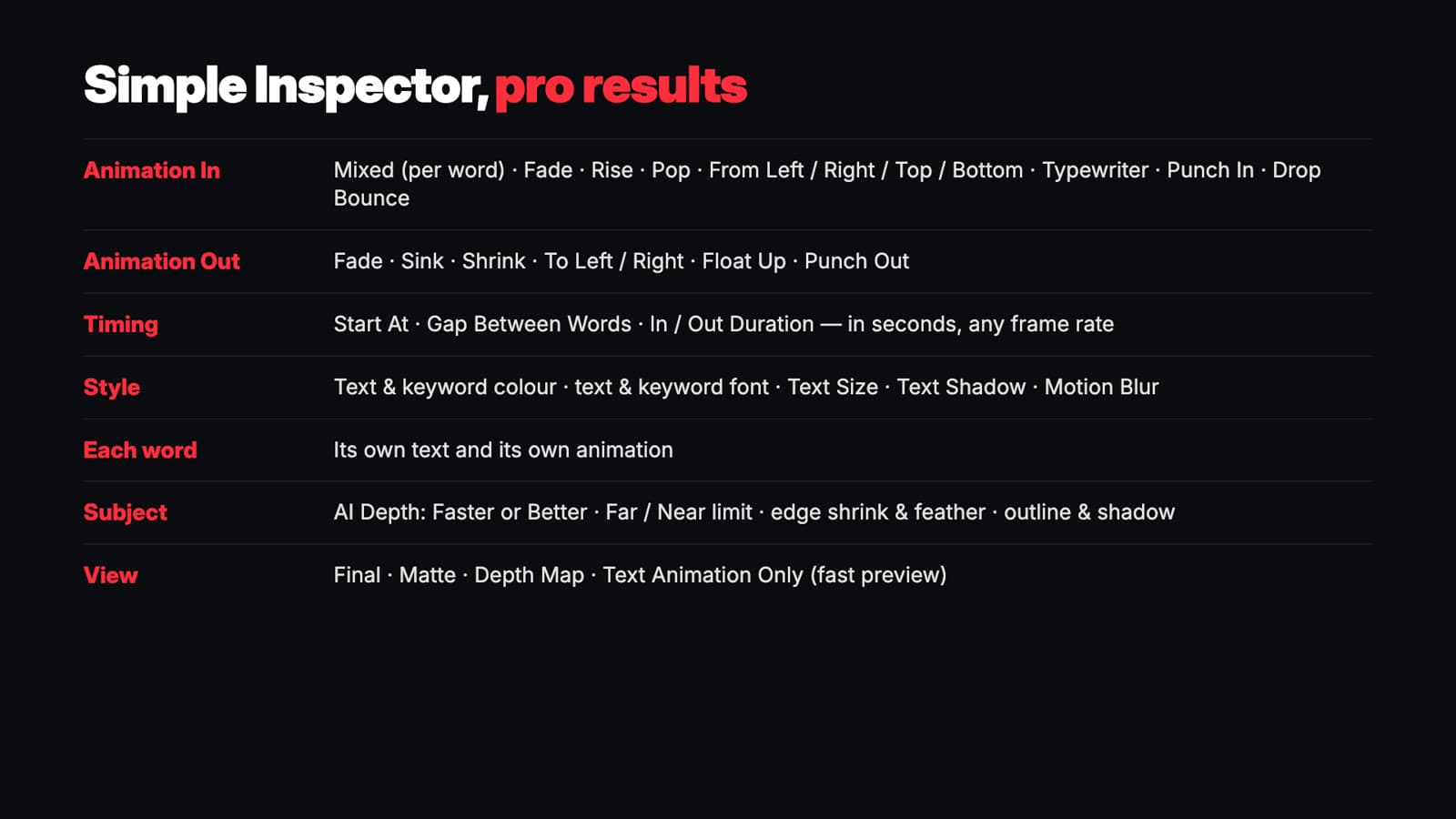
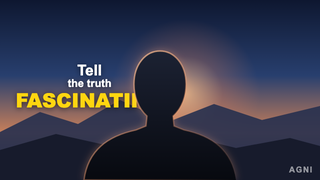 Fascinating
 Highlight Box
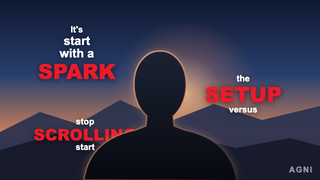 Keyword Collage
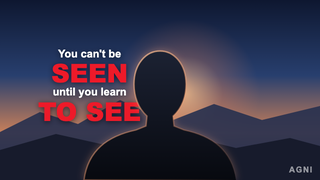 Learn To See
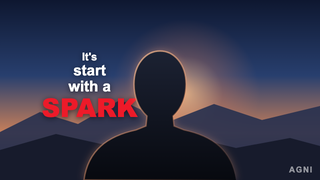 Spark
 Tell To Sell
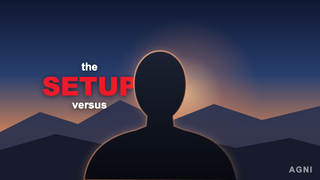 The Setup
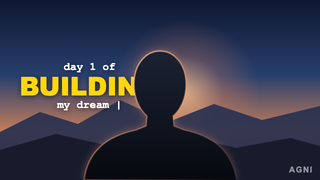 Typewriter
 Blend Into Scene
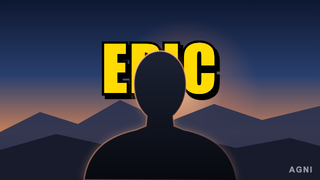 Bold Thumbnail
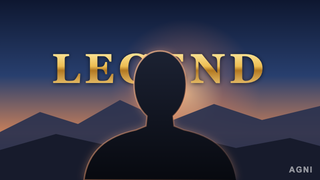 Cinematic Gold
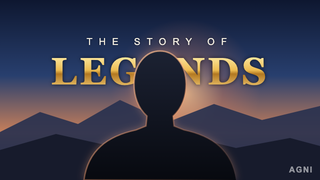 Duo Cinematic
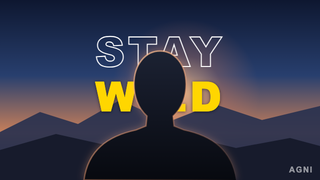 Duo Outline Solid
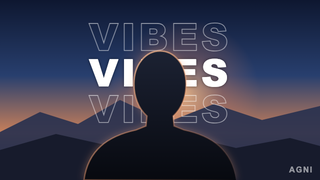 Echo Stack
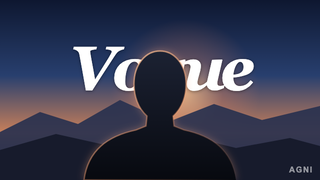 Editorial Serif
 Glitch Split
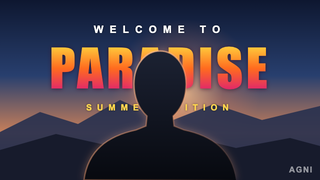 Headline Trio
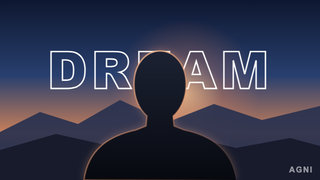 Hollow Outline
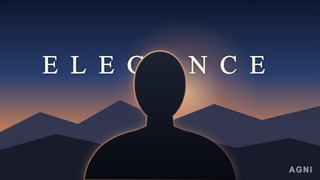 Luxe Minimal
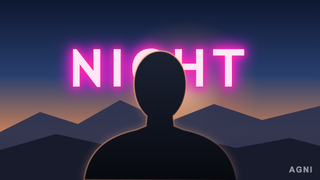 Neon Glow
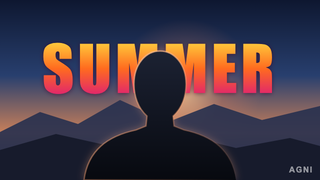 Sunset Gradient
 Text Behind Object
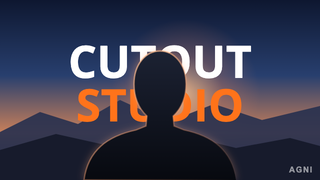 Text X2 Behind Object
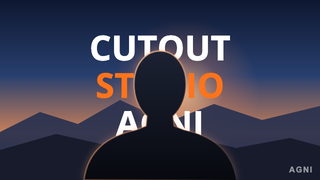 Text X3 Behind Object
 Cut Out Object
 Image Behind Object
 Subject Pop
Use DaVinci Resolve Studio 20 or 21. The cutout uses Depth Map, which is available in the Studio edition.
Unzip your download, open AGNI_Cutout_Studio.drfx and click Install. Restart Resolve, then open Edit → Effects → Toolbox → Effects → AGNI Cutout Studio.
Resolve’s Depth Map finds the subject automatically. If background areas cover your text, raise Far Limit a little and check the result in the Depth Map view.
Yes. Set the entrance, exit, delay and duration in the Inspector. Reel effects also let you choose how each word moves.
Choose Text Animation Only while adjusting timing. Switch back to Final and enable Smart Render Cache to preview the cutout.
Yes. The single-seat license covers personal projects, client work and monetized videos.
Honest feedback from verified purchasers.
Loading reviews…
Pay through Razorpay. Your download unlocks after payment is confirmed.
Launch offer