
AGNI Cookery Show YouTube Essentials
AGNI Cookery Show YouTube Essentials
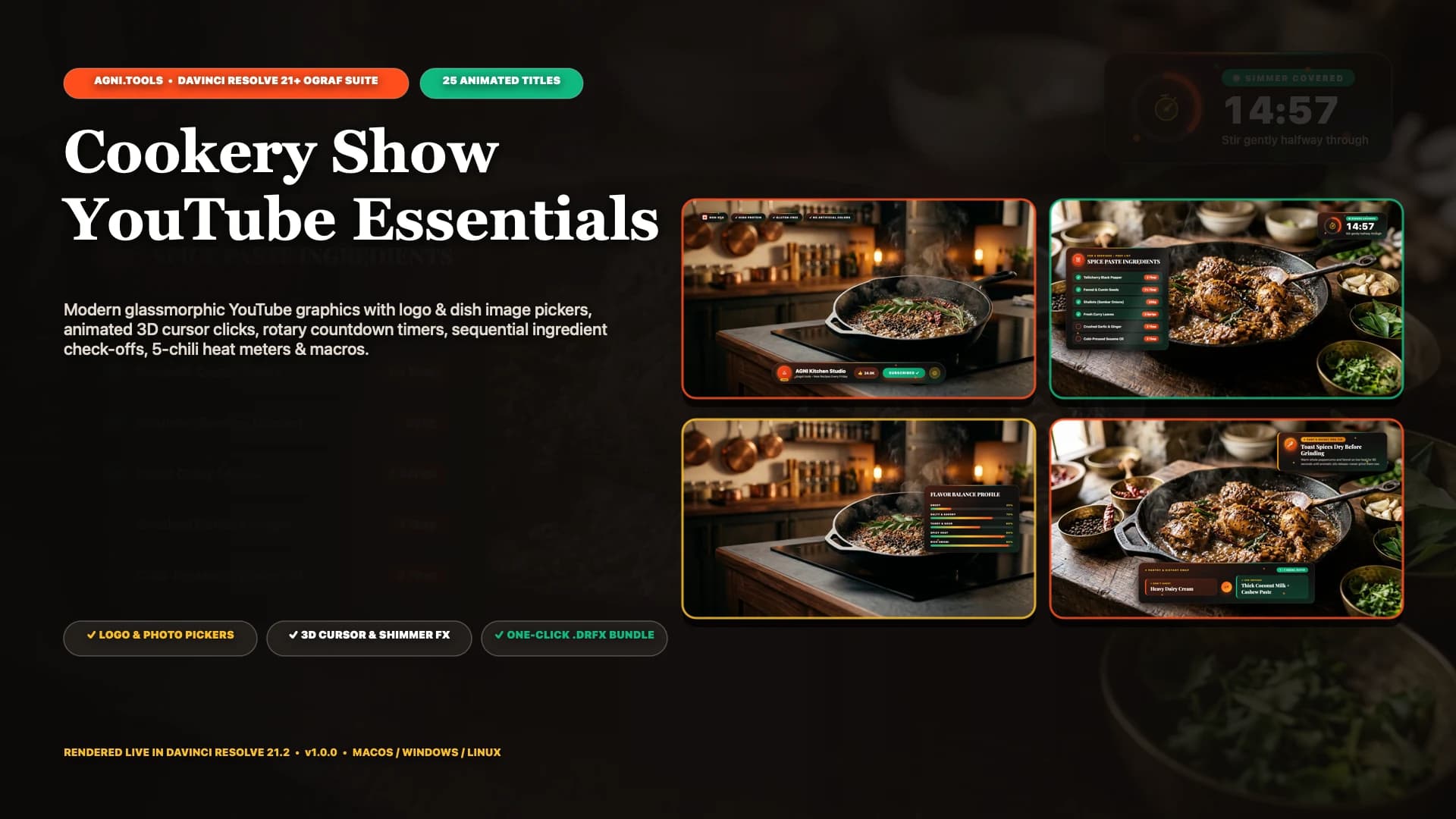
25 animated titles for cooking channels and food creators in DaVinci Resolve, from ingredient checklists and kitchen timers to spice meters and end screens.
Launch price · One-time purchase
Need install help? Download the install guide
Watch the demo
What it does
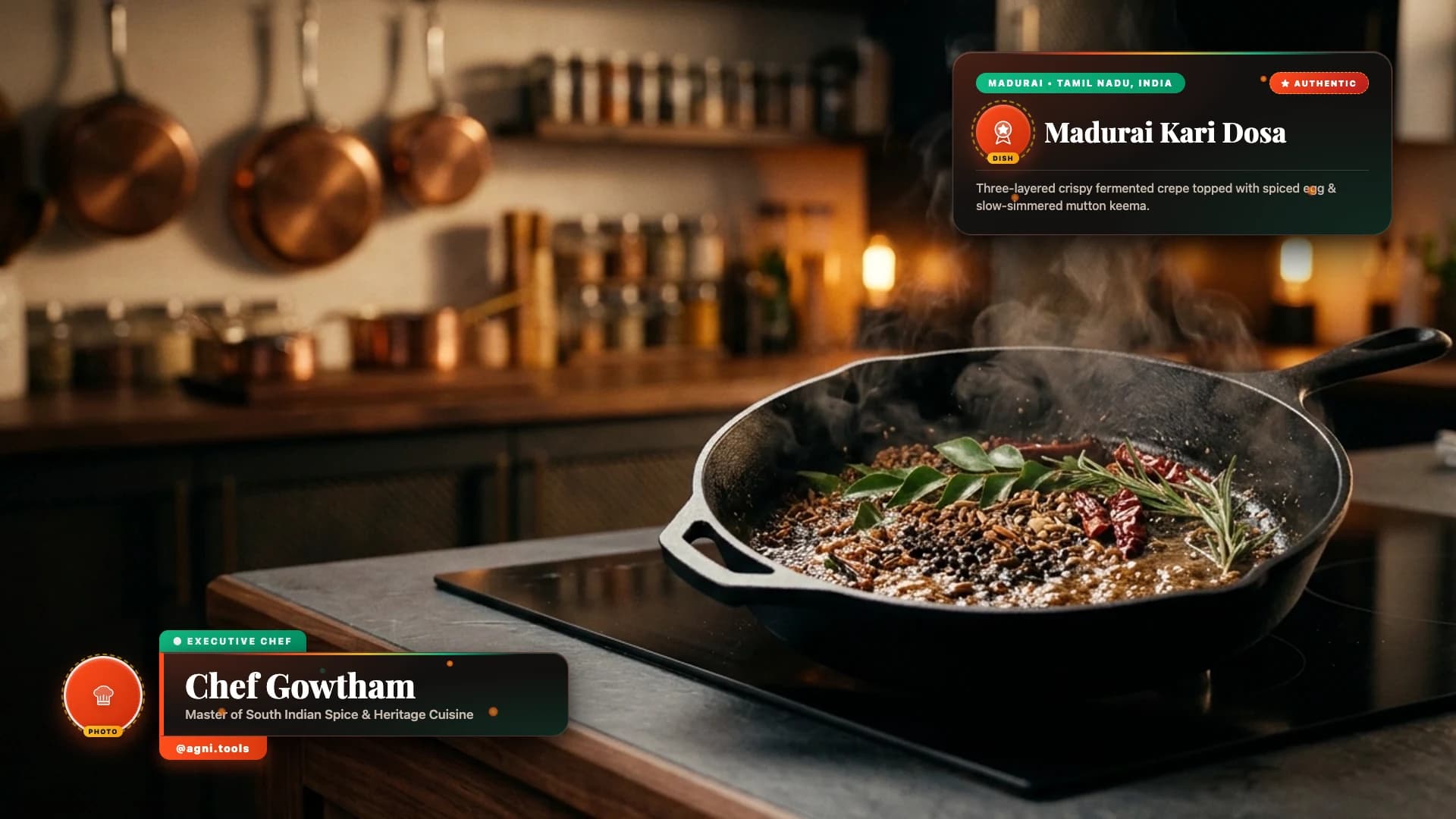
Give every cooking episode a consistent look, from the first dish reveal to the final recipe summary. Add an episode opener, introduce the chef, show ingredients and substitutions, guide viewers through each step, and finish with a recipe card they can screenshot. Customise the available text, colours, measurements, images and positions in the Resolve Inspector. Trim or extend a title to fit your edit; its entrance, hold and exit adapt to the clip length. Made for cooking channels, food vloggers and editors producing recipe videos.
A complete cooking episode
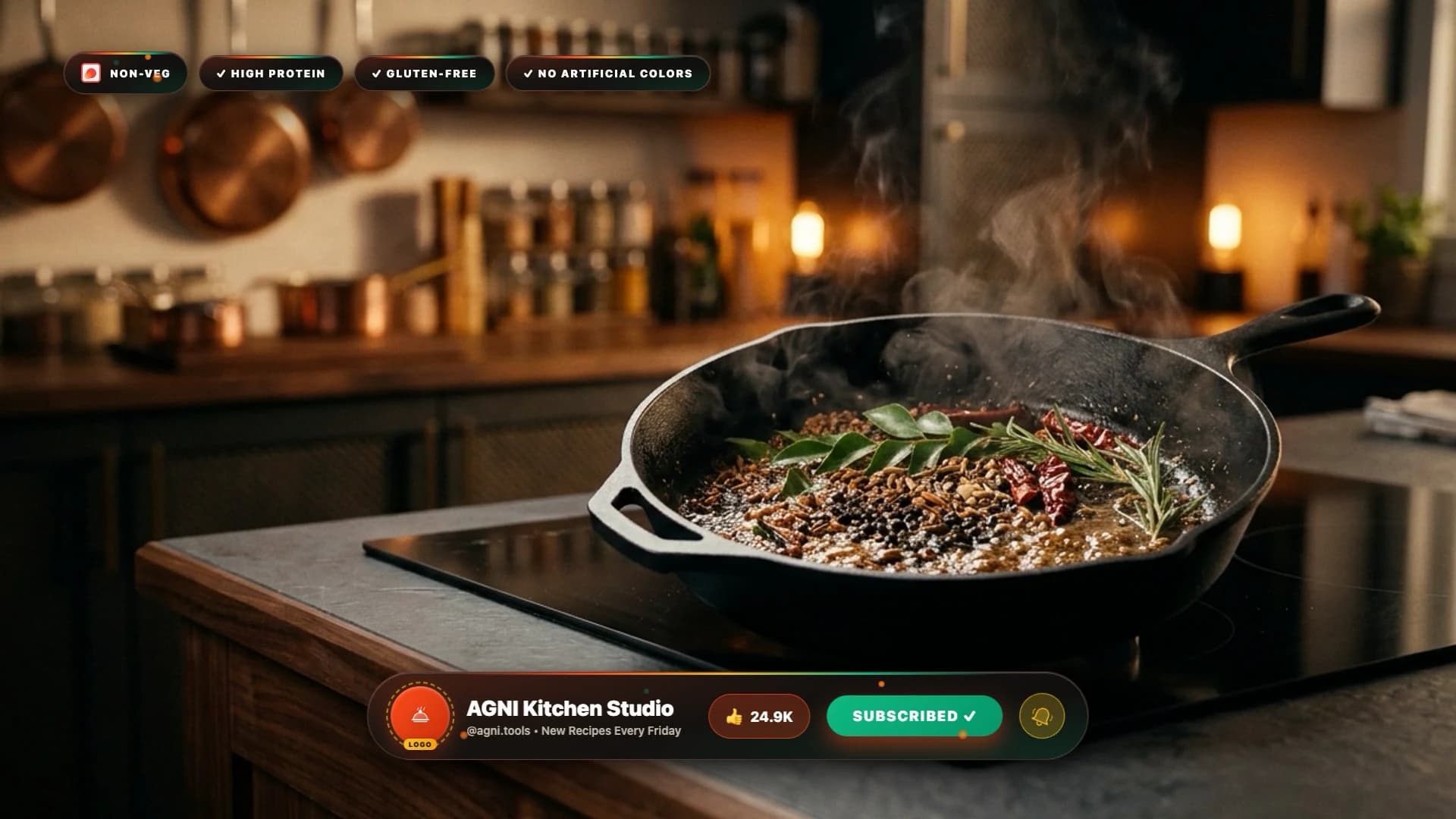
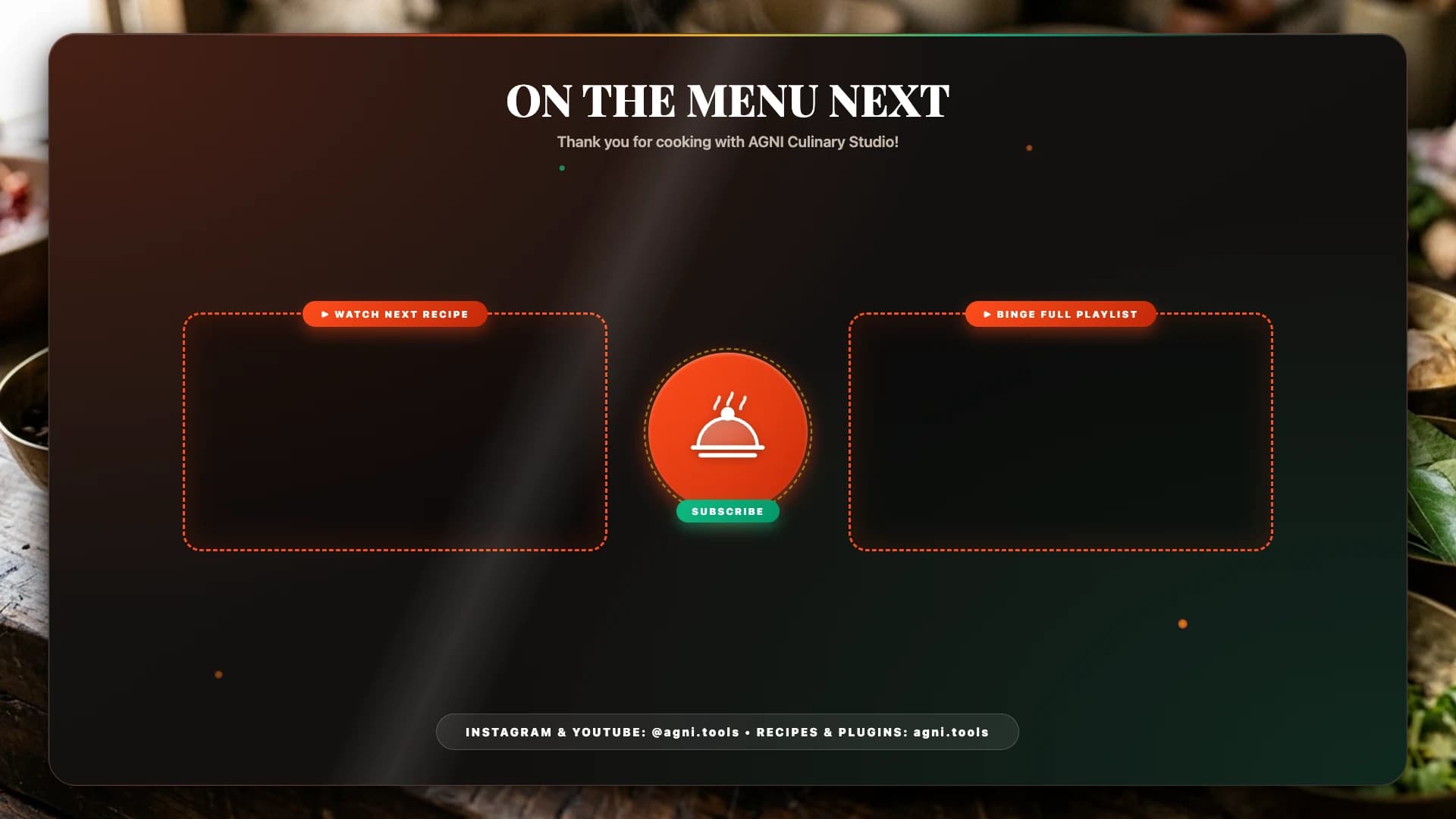
25 coordinated designs, including episode titles, chef lower thirds, social handles, subscribe prompts, viewer questions and a next-recipe end screen.
Ingredients viewers can follow
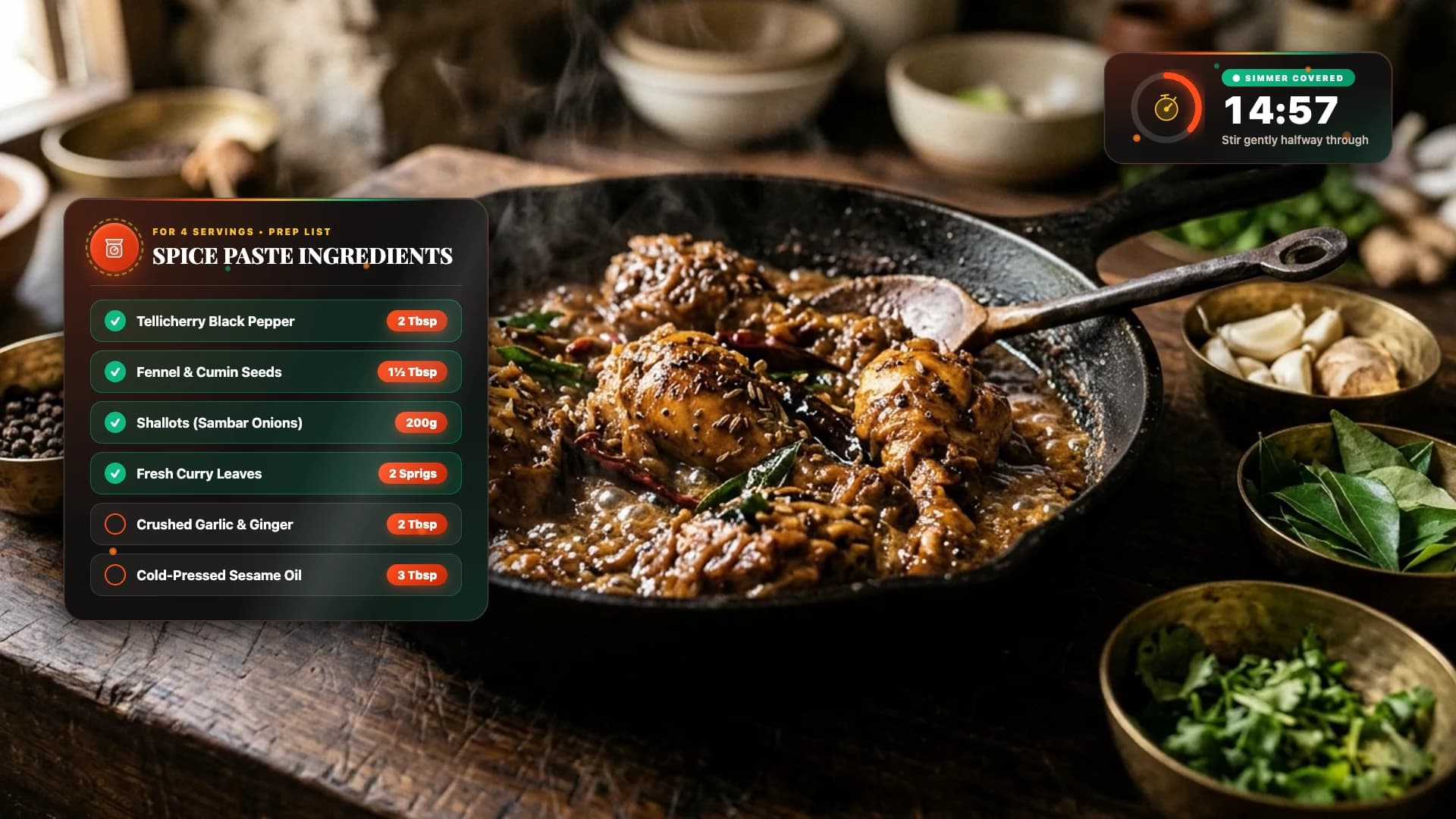
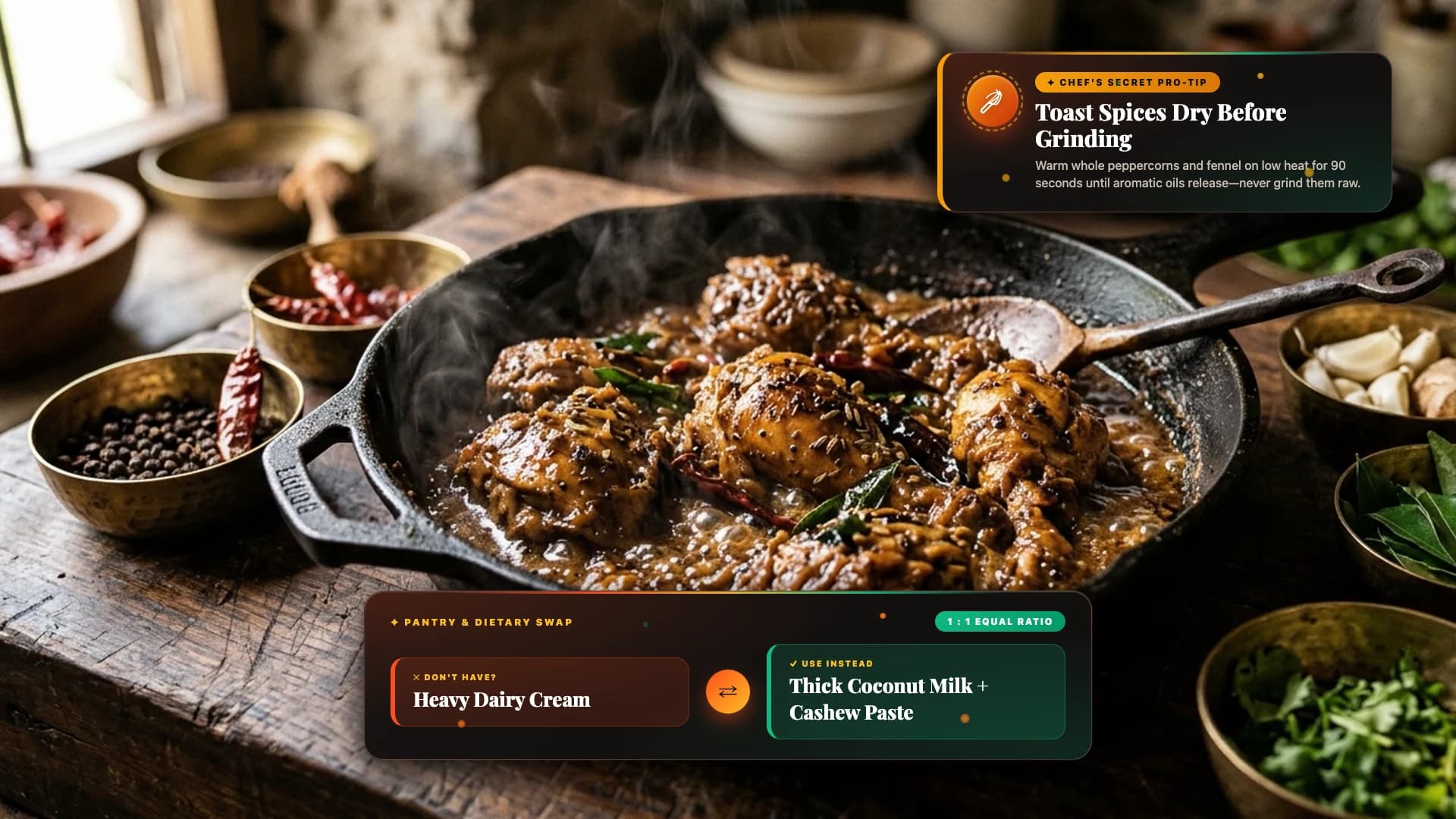
Show ingredient checklists with sequential check-offs, single-ingredient spotlights, pantry swaps, kitchen tools and dual metric and cup measurements.
Timers and temperature guides
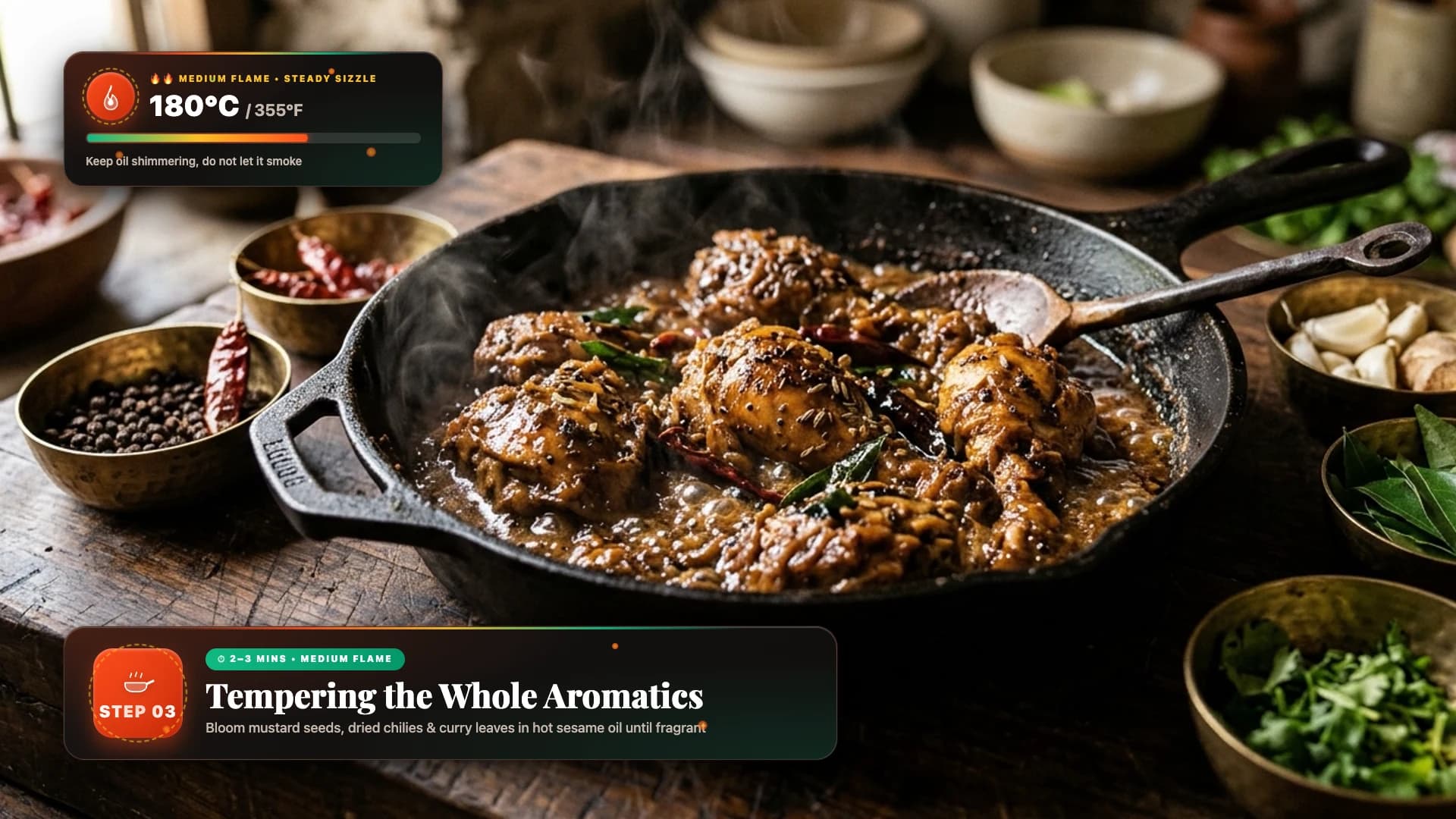
Add a countdown kitchen timer, a resting or marination clock, step dividers and a flame or oven temperature gauge with °C and °F readouts.
Make flavour clear
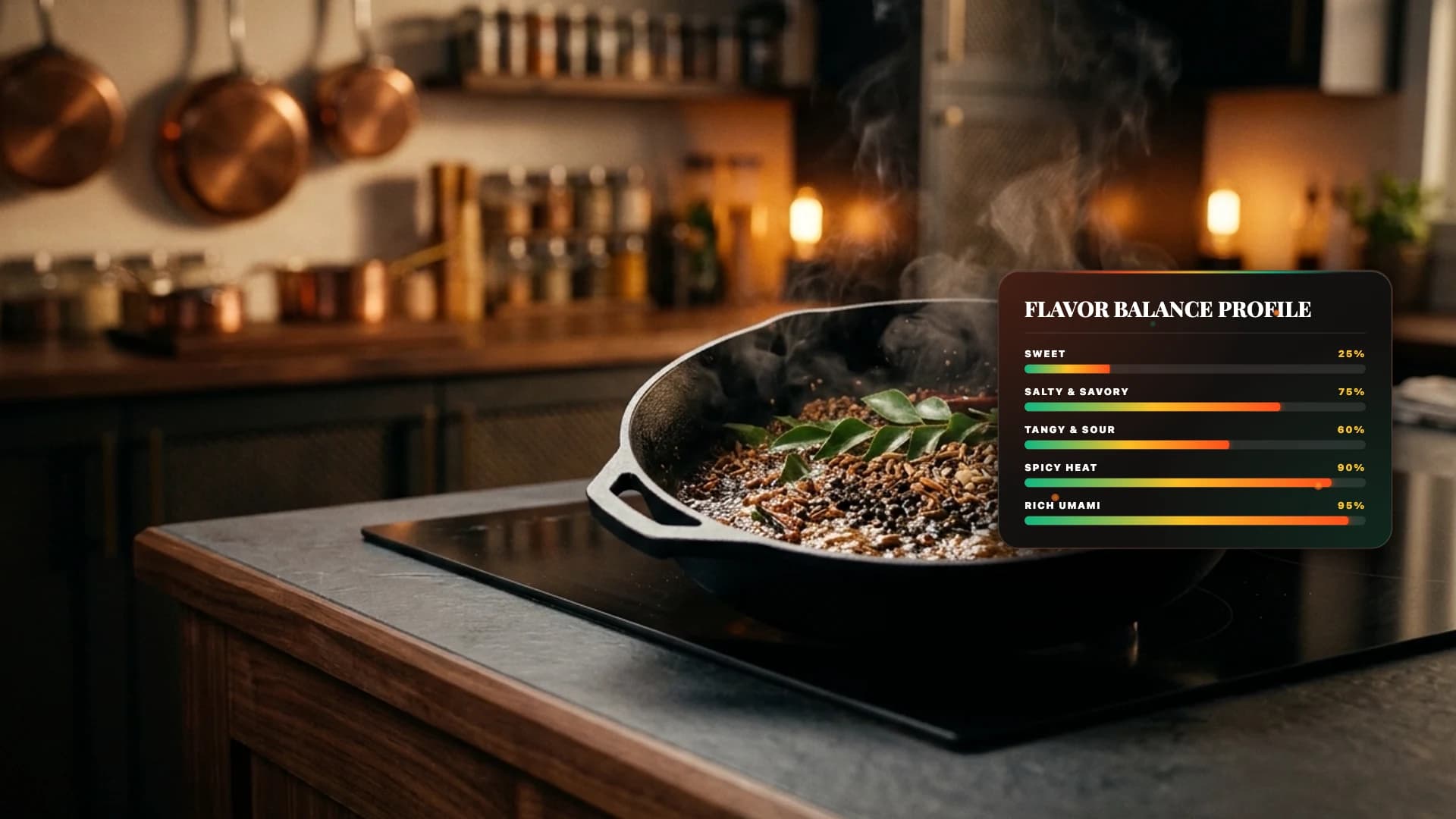
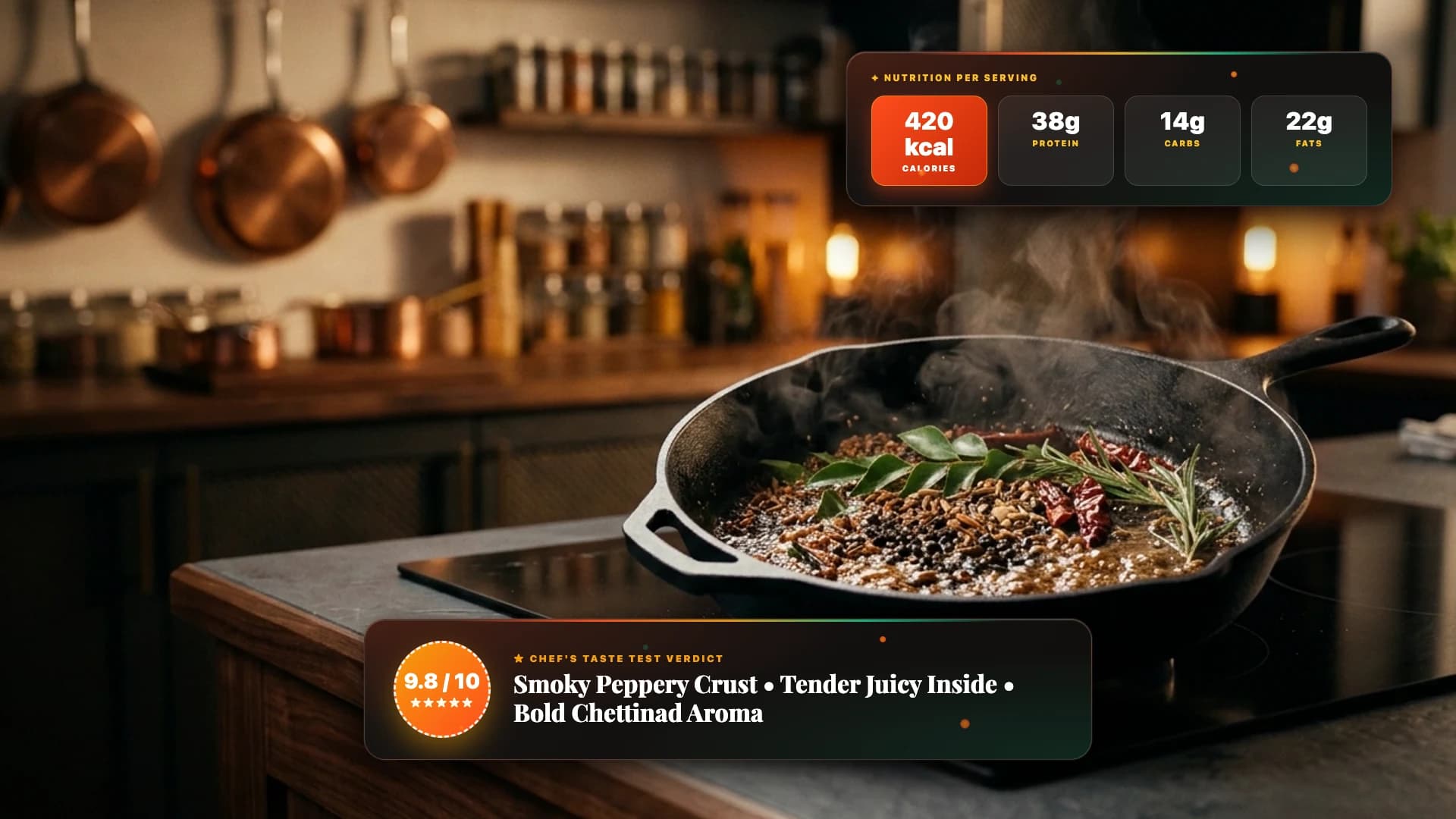
Show a five-chilli spice rating, flavour profile, taste-test verdict, nutrition macros and dietary or allergen badges.
Make the titles your own
Use the available Inspector controls for recipe text, brand colours, logo and dish images, measurements and screen positions. No third-party plugin is required.
Help viewers keep the recipe
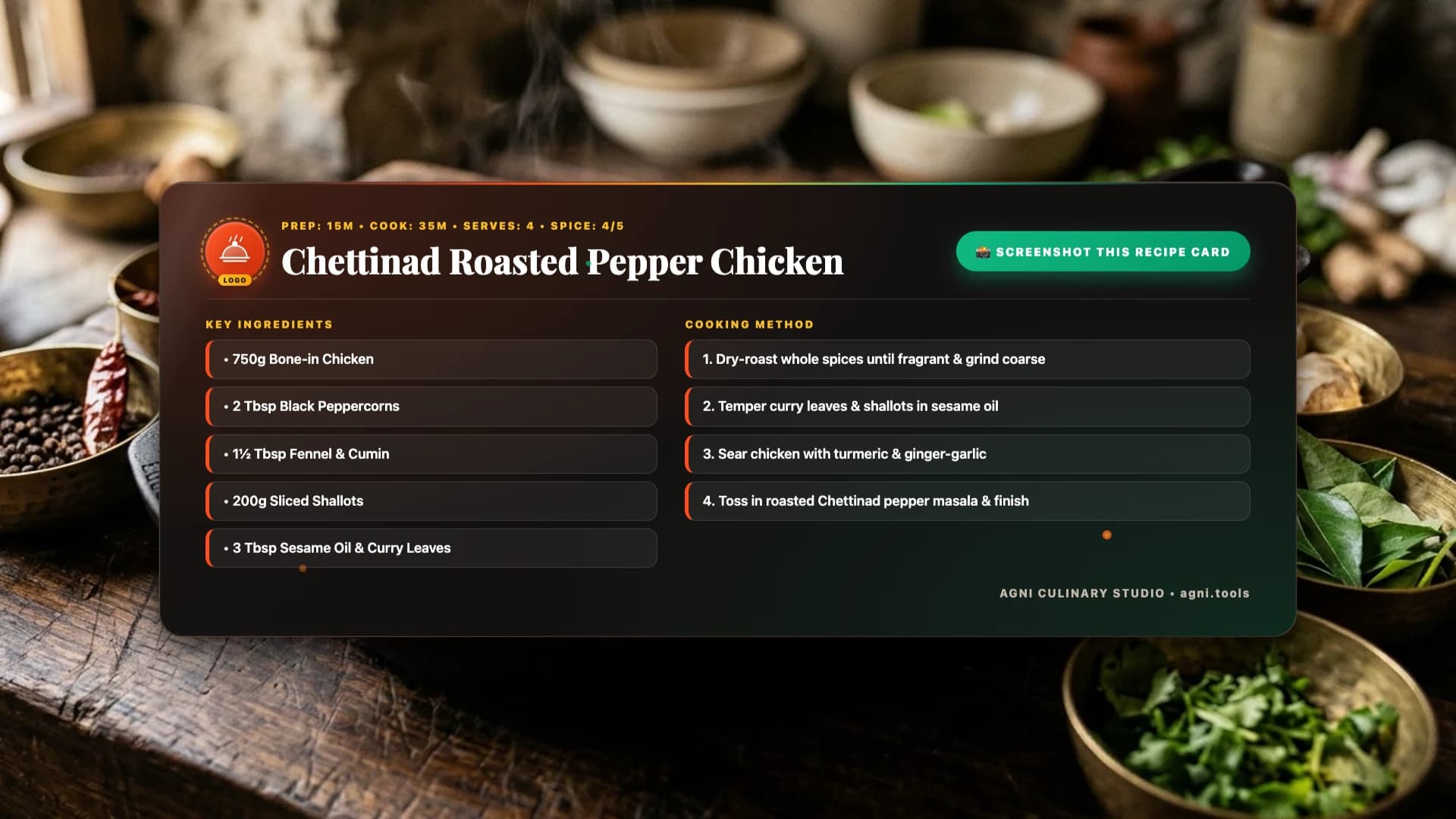
Share chef tips and common-mistake warnings, then close with a recipe summary card ready for a screenshot.
Compatibility
Resolve
Platforms
Edition
License
- macOS on Apple Silicon or Intel, Windows 10/11, and Linux. Requires DaVinci Resolve 21.0 or newer.
- Designed for 1920 × 1080 landscape videos and 4K timelines at 24, 25, 30 or 60 fps.
- Personal, monetised YouTube, sponsored and client videos are included. One buyer may install on up to three computers they own or operate.
- Deliver rendered videos to clients. The template files may not be resold, shared or redistributed.
Quick answers
- How do I install the titles?
- Extract your download, open DaVinci Resolve, then double-click the .drfx installer inside 01_Product and choose Install. On the Edit page, open Effects → Toolbox → Titles → AGNI Cookery Essentials. Drag a title onto your timeline and customise it in the Inspector.
- Does it work in DaVinci Resolve Free?
- Yes. The pack is supplied for DaVinci Resolve 21.0 or newer, in both Free and Studio editions, on macOS, Windows 10/11 and Linux.
- Can I change the colours, text and measurements?
- Yes. Each title offers the relevant Inspector controls for text, colours, measurements, positions and numeric values. Templates with image controls also let you choose a logo or dish photo.
- Can I use it on a monetised channel or for clients?
- Yes. Personal and commercial video use includes monetised YouTube channels, sponsorships and rendered client videos. The licence covers one buyer on up to three computers they own or operate. Raw templates cannot be shared or resold.
- Can a title stay on screen longer?
- Trim or extend the title clip on your timeline. Its entrance plays at the start, the graphic holds for your chosen duration, and its exit finishes at the end of the clip.
- Are updates included?
- Your one-time purchase includes free version 1.x updates. For installation help or multi-seat licensing, contact support@agni.tools.
What you get
- One .drfx installer containing all 25 cooking titles
- 25 individual .ograf template packages
- Step-by-step installation guide for Mac, Windows and Linux
- Personal and commercial video licence for one buyer, up to three computers
- Free updates throughout version 1.x
- Email support at support@agni.tools
Customer reviews
Honest feedback from verified purchasers.
Loading reviews…
Purchase
Available products can be paid for securely through Razorpay. Downloads unlock after payment is confirmed.
Launch price · One-time purchase