
AGNI VDROP
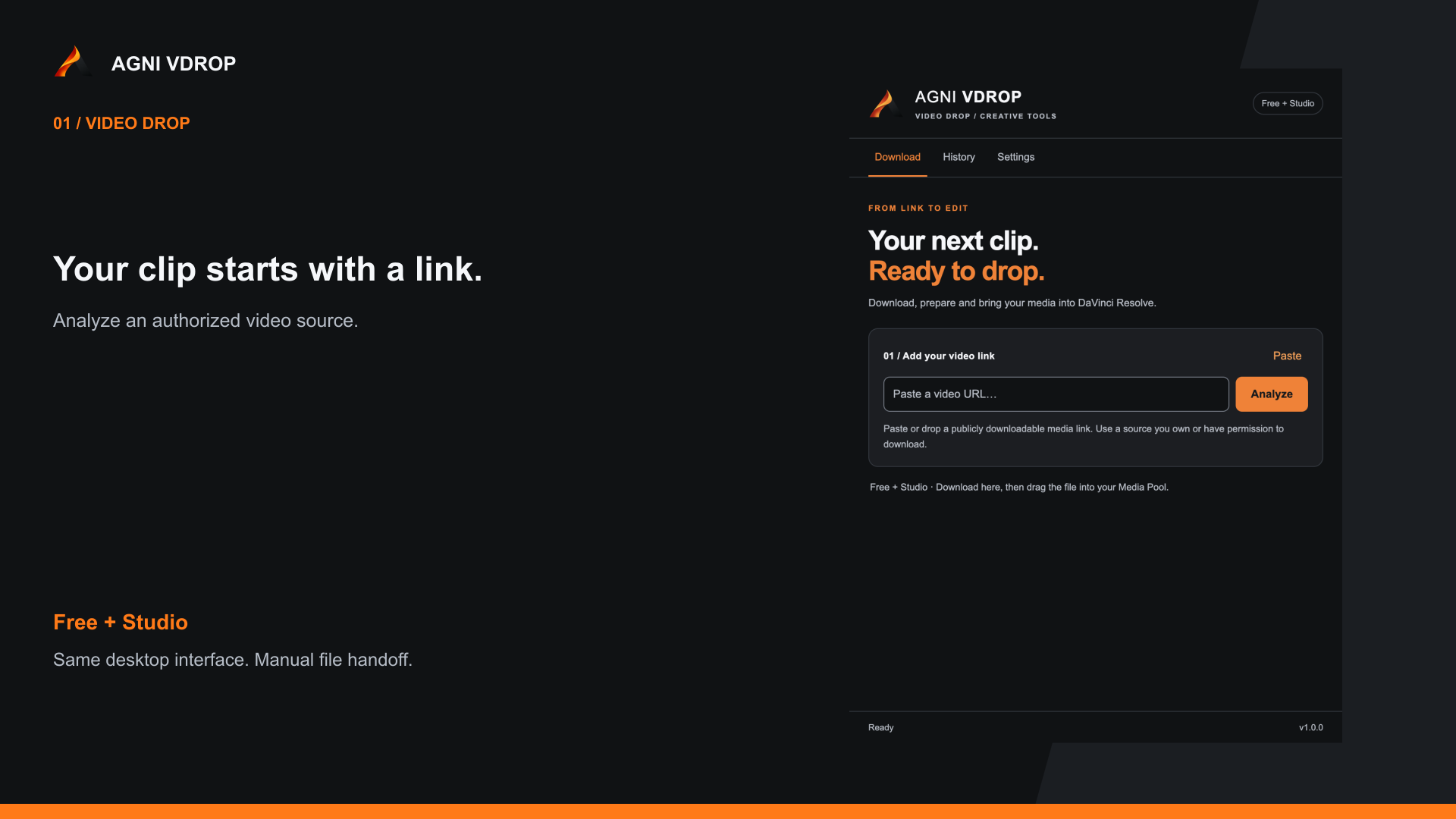
Paste a YouTube or supported web video URL, download an authorized clip, and get it ready for your DaVinci Resolve Media Pool without juggling downloader apps and websites.
Supported OS
macOSWindows
₹299₹799
Explore VDROP
AGNI AI Subtitles
For DaVinci Resolve Studio
Transcribe Indian-language speech in its original script and translate it into English, directly from your Resolve workflow. Speech and translation run on your Mac after setup. No media uploads required.
Resolve Studio 21.1+ for direct timeline integration · macOS 13+ · No card required
Also works as a standalone Mac app with SRT and VTT export.
Spoken in Tamil · original transcription
ஒவ்வொரு கதையுக்கும் ஒரு குரல் உண்டு.
English translation
Every story has a voice.
Prepare your next edit
Two tools to help you download and prepare files before you start creating.
Paste a YouTube or supported web video URL, download an authorized clip, and get it ready for your DaVinci Resolve Media Pool without juggling downloader apps and websites.
Supported OS
₹299₹799
Explore VDROP
Download public Google Drive deliveries on Mac, keep their folders, resume interrupted transfers, and check every file after arrival.
Supported OS
₹1,499₹4,999
Explore Drive DownloaderSee the workflow
See how VDROP takes a web clip from a pasted link to an edit-ready file, with an optional direct import panel for Resolve Studio.
Why VDROP
Already have a downloader? VDROP brings downloading, optional conversion, and Resolve file handoff into one place.
01
Paste a YouTube or supported web video URL. Choose your quality and download media you own or have permission to use.
02
Use optional MP4 conversion to prepare your download for editing. Find your finished files in local history.
03
Drag the file into Resolve Free or Studio. With Studio 20.1+, use the optional panel to import into your selected Media Pool bin.
The Resolve collection
Prepare your footage with VDROP. Add movement with Reel Transitions. Explore the tools available today.
Diwali offer
Paste a YouTube or supported web video URL, download an authorized clip, and get it ready for your DaVinci Resolve Media Pool without juggling downloader apps and websites.
Supported OS
Download public Google Drive deliveries on Mac, keep their folders, resume interrupted transfers, and check every file after arrival.
Supported OS
 AGNI / CREATIVE TOOLSAVAILABLE NOW
13 Transitions
AGNI Reel Transitions Vol. 01
13 cinematic Push, Pull & Rotate transitions for DaVinci Resolve — drag and drop ready.
Supported OS
Origin
AGNI was born in Tamil Nadu, with a focus on the small gaps that interrupt an edit. We build practical tools for DaVinci Resolve editors, with clear installation guides and direct support.
தமிழ் மண்ணிலிருந்து. உலக படைப்பாளிகளுக்காக.
01
INDIA
Home
02
TAMIL NADU
Built here
03
WORLD
For creators
More time for the story.
Find the right tool for your workflow. See it in action and check your setup before you buy.