

01Openers
DaVinci Resolve / Podcast Titles
Give your podcast a professional identity with 20 editable titles designed for DaVinci Resolve. Create openers, speaker introductions, quote highlights and more.
20 titles · Resolve 21+ · Mac & Windows
Secure checkout · Download after payment
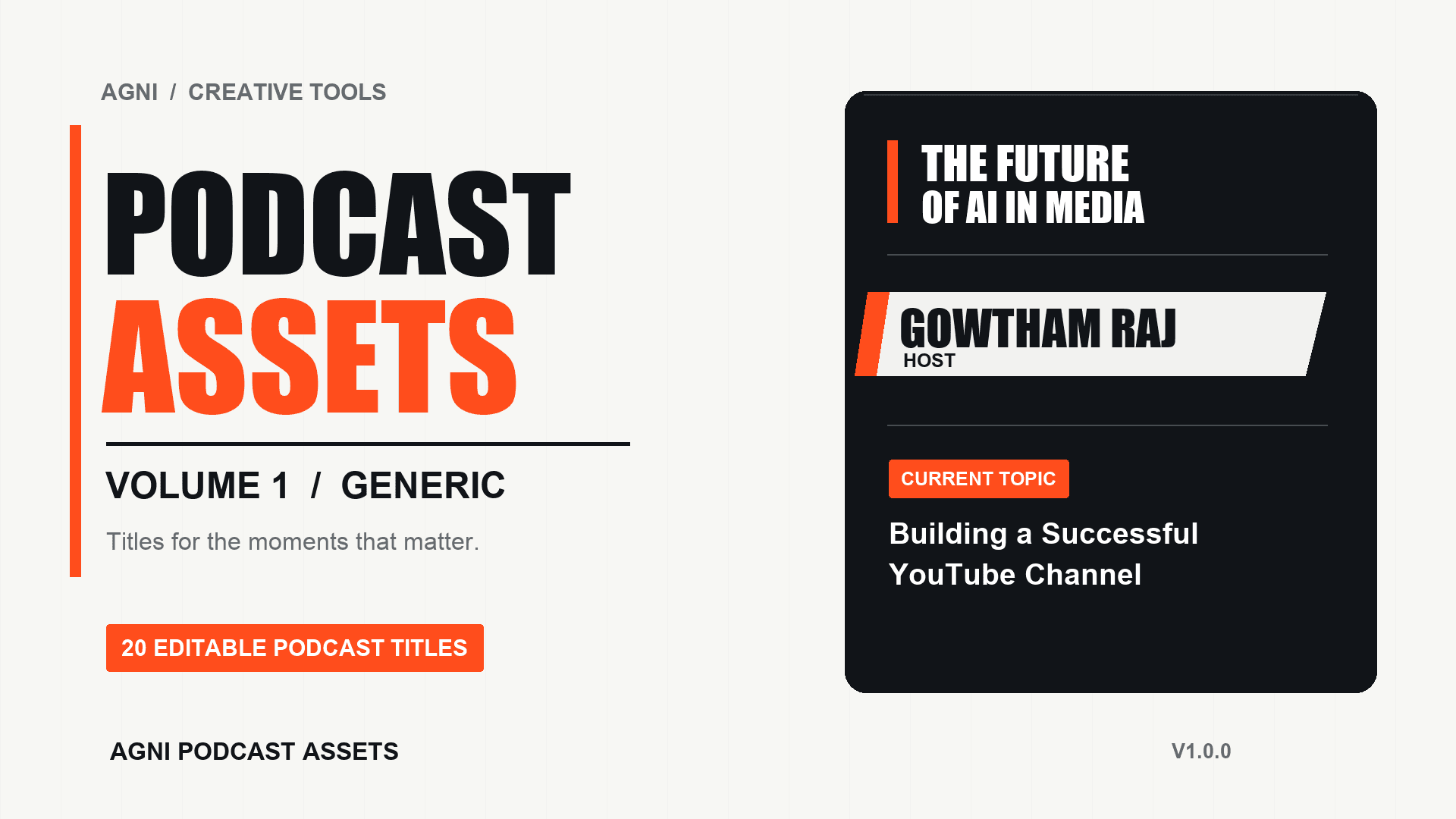
A closer look
Explore the supplied style artwork for openings, introductions, highlights and endings.


The collection
20 creative titles. Endless possibilities for your podcast.


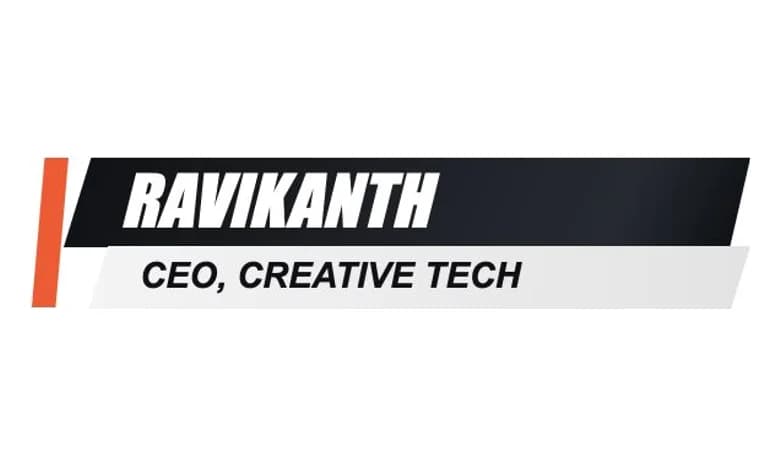


Cropped stills rendered from the included title templates. These are not screenshots from DaVinci Resolve; individual motion previews are not yet available.
Made for your workflow
Install the pack, place a title above your footage, and make it yours in the Inspector.
Resolve workflow video
A demonstration video is not available yet. The steps below describe the intended workflow.
Your podcast. Your style.
Change each title’s relevant text and colors, then fine-tune position, scale, animation speed and motion amount in the Inspector.
Controls vary by title. This description is based on the included templates; no interactive rendering is shown here.
The essentials
20 editable titles in one .drfx file
DaVinci Resolve 21+ on Mac and Windows
Personal and commercial video editing
Private download after payment confirmation
Resolve Free and Studio edition compatibility has not yet been confirmed.
From download to timeline
Download the .drfx file after your payment is confirmed.
Open the file and accept the import in DaVinci Resolve.
Open Effects Library → Titles on the Edit page. Find Agni Podcast Volume 1 Generic and drag a title onto your timeline.
Honest feedback from verified purchasers.
Loading reviews…
Good to know
Free and Studio edition compatibility has not yet been confirmed. Please contact support before purchasing if you need to verify your edition.
The pack is designed for DaVinci Resolve 21 or later on Mac and Windows.
Open the downloaded .drfx file and accept the import. In Resolve’s Edit page, open Effects Library → Titles and find Agni Podcast Volume 1 Generic. Restart Resolve if needed.
Each title provides its relevant text, colors, position, scale, animation speed and motion amount in the Inspector. Font selection is not advertised as a control.
Yes. Personal and commercial video editing is included. You may not redistribute or resell the title files as assets.
Maintenance fixes within version 1.x are included when released. New volumes and major versions are separate unless their listing says otherwise.
Your download unlocks after payment confirmation. You can also verify your checkout email in My Downloads to access your purchases again.
No extra plugin or internet connection is needed to use the installed title pack.
Contact support@agni.tools for help. Digital downloads are non-refundable except where required by applicable law; see the support page for details.
Ready for your next episode?
Give your podcast a distinctive visual identity with AGNI Podcast Assets.
AGNI Podcast Assets · ₹199
20 titles · Resolve 21+ · Mac & Windows
Explore more editing assets