
AGNI DCTL Transitions — Shapes & Wipes
AGNI DCTL Transitions — Shapes & Wipes
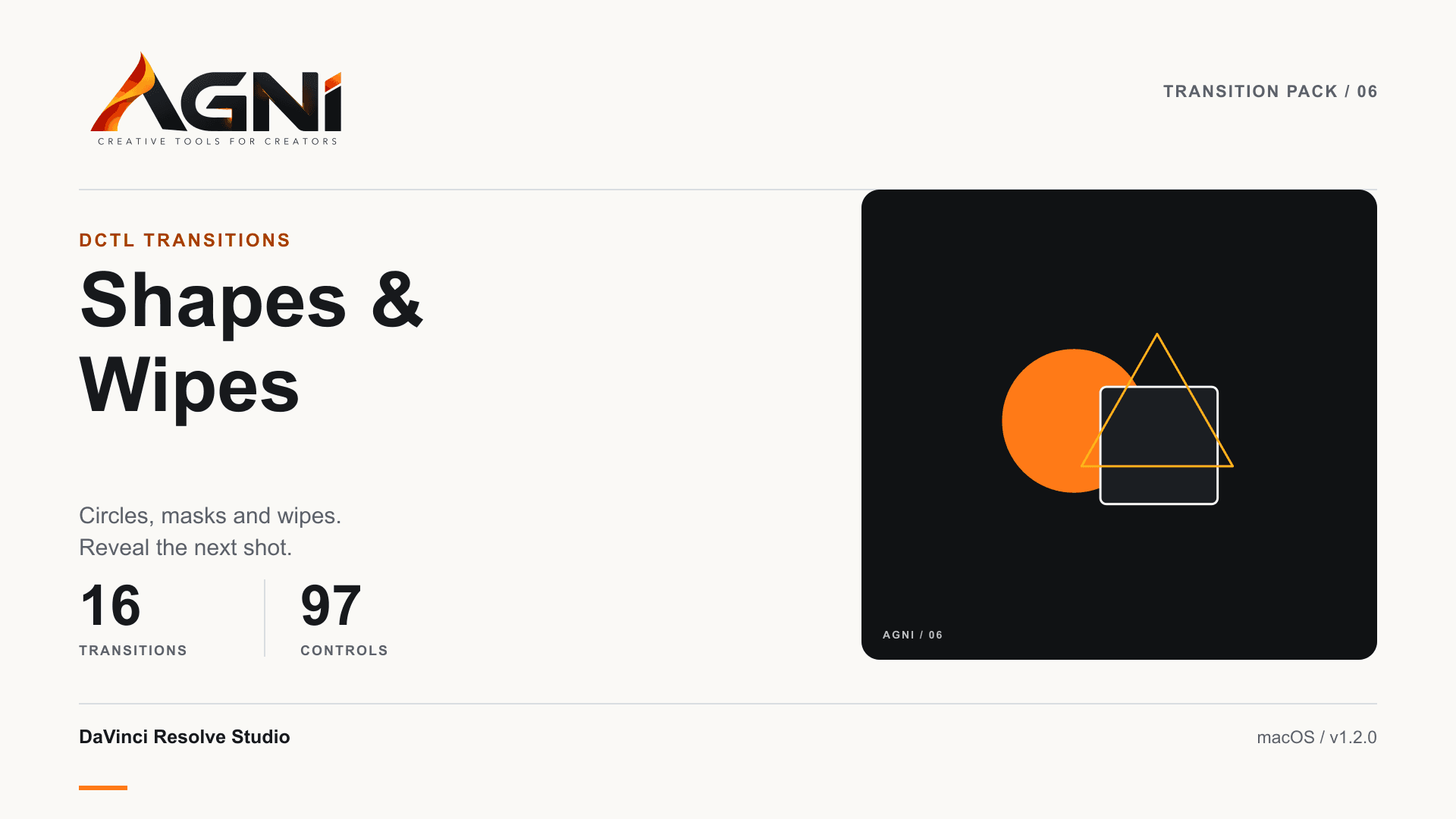
16 adjustable Shapes & Wipes transitions for DaVinci Resolve Studio editors on Mac. Windows support is coming soon.
Price
DaVinci Resolve Studio only. Not compatible with Resolve Free.
Mac installer · One-time purchase
DaVinci Resolve Studio only. Resolve Free is not supported. Windows support is coming soon and is not included.
Personal and commercial editing · Single-user license · Free 1.x updates.
Your Mac download unlocks after payment confirmation. Already purchased? Get your download.
Need install help? Download the install guide


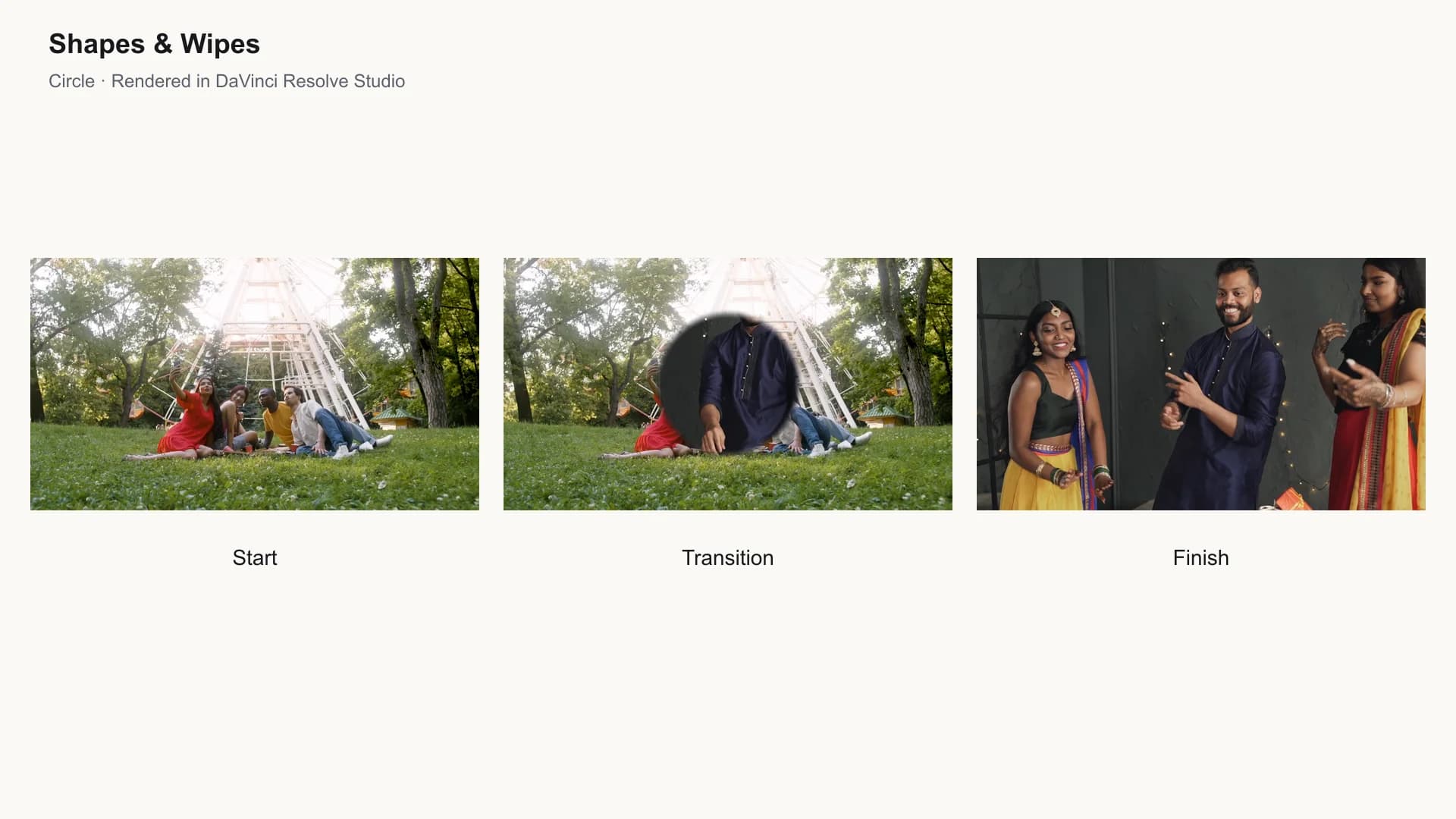
See it in motion.
What it does
A cut can need more than a simple dissolve. AGNI DCTL Transitions — Shapes & Wipes gives DaVinci Resolve Studio editors a focused selection of transitions for adding movement and character. Apply DCTL Transition to a cut, choose an Agni effect in the Inspector, and adjust its controls. This pack includes 16 transitions in the Shapes & Wipes category. Other categories are sold separately. Includes a Mac installer, installation guide, and a single-user license for personal and commercial editing. Tested with DaVinci Resolve Studio 21.1 on Apple Silicon using Metal. Resolve Free is not supported. Windows support is coming soon and is not included in this release.
Choose your transition
16 included transitions for your edits.
Adjust the effect
97 controls across the included effects.
Work on the cut
Apply through DCTL Transition on the Edit page.
Mac installer
Install the pack, restart Resolve Studio, and choose an Agni transition.
Commercial editing
Use in personal videos and paid client deliverables.
Installation support
Installation notes and AGNI setup support included.
Compatibility
Resolve
Platforms
Edition
License
- Requires DaVinci Resolve Studio. Resolve Free is not supported.
- Tested on Apple Silicon with Resolve Studio 21.1 using Metal.
- Windows support is coming soon; this release includes the Mac installer only.
Quick answers
- Does this work with Resolve Free?
- No. These DCTL transitions require DaVinci Resolve Studio. This release has been tested with Studio 21.1 on Apple Silicon using Metal.
- Which installer should I use?
- This release includes the Mac installer only. Windows support is coming soon. Close Resolve before installing and restart it afterwards.
- Where do I find the transitions?
- On the Edit page, add DCTL Transition to a cut and choose an Agni effect in the Inspector's DCTL list.
- Can I use them in client projects?
- Yes. Personal and commercial editing use is included for one user. You may not redistribute or resell the pack itself.
- What is the refund policy?
- Digital downloads are non-refundable except where required by applicable law. Contact support@agni.tools for installation help.
What you get
- 16 DCTL transitions
- Mac installer
- Installation guide
- Single-user personal and commercial editing license
- Free 1.x updates when released
- AGNI installation support
Customer reviews
Honest feedback from verified purchasers.
Loading reviews…
Purchase
Available products can be paid for securely through Razorpay. Downloads unlock after payment is confirmed.
Price
DaVinci Resolve Studio only. Not compatible with Resolve Free.
Mac installer · One-time purchase
DaVinci Resolve Studio only. Resolve Free is not supported. Windows support is coming soon and is not included.
Personal and commercial editing · Single-user license · Free 1.x updates.
Your Mac download unlocks after payment confirmation. Already purchased? Get your download.